
FondPix
How to Use an AI Wedding Photo Generator Without Getting Generic Results
A practical workflow for creating realistic AI wedding photos with clear uploads, better style choices, and prompts that match invitations, albums, and announcements.
An AI wedding photo generator works best when you treat it like a small studio session, not a magic button. The result depends on the photos you upload, the wedding style you choose, the scene you ask for, and the final purpose of the image.
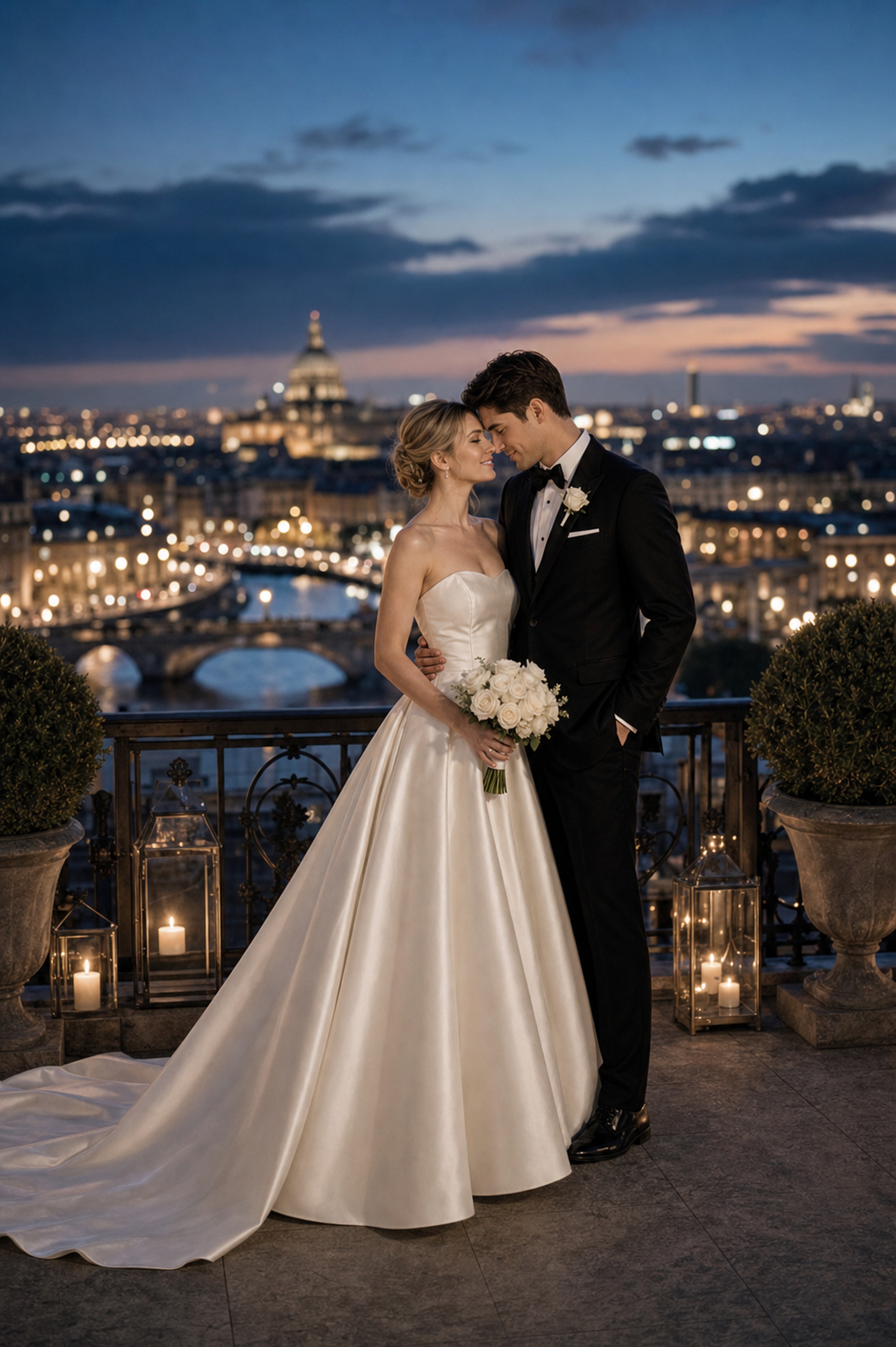
This workflow is for couples who want wedding pictures for invitations, announcements, albums, frames, or style planning before booking a full photo shoot.
Start With the Right Uploads
Use one to four photos where the faces are easy to read. The best inputs are simple: front-facing, natural light, no sunglasses, no heavy filters, no blur, and no extreme crop. If both people should appear in the final wedding picture, upload at least one clear reference for each person.
Avoid photos where a face is partly hidden by hair, a hand, a phone, or harsh shadow. The AI can still make a nice picture, but identity is more likely to drift. If you only have casual phone photos, choose the ones with calm expressions and even lighting.
Decide What the Photo Is For
Before choosing a style, decide where the final picture will go.
- Invitation cover: choose a clean background and leave space around the couple.
- Wedding announcement: choose a stronger emotional pose and a clear face crop.
- Album opener: choose a wider scene with location and atmosphere.
- Framed print: use high-quality output and avoid tiny face details. FondPix creates two high-quality watermarked previews so you can see both portraits before deciding whether to keep them. If neither portrait feels right, you can leave the project unpaid. A one-time payment keeps these same two high-quality files without watermarks; it never creates replacement images.
FondPix creates two high-quality watermarked previews so you can see both portraits before deciding whether to keep them. If neither portrait feels right, you can leave the project unpaid. A one-time payment keeps these same two high-quality files without watermarks; it never creates replacement images.
This one decision prevents most generic results. A beach wedding photo for Instagram can be more cinematic. A photo wedding invitation needs restraint.
A Simple First Session Plan
Do not start by trying to create the final image. Run a short test session:
- Generate one classic studio portrait for identity accuracy.
- Generate one romantic or luxury version to test styling.
- Generate one destination or cultural version only if it matches your real wedding plan.
- Compare faces, hand placement, background realism, and crop.
- Save the best prompt and remove anything that did not help.
This gives you a baseline. If the classic studio image does not stay recognizable, do not commit money to complex destination scenes yet.
Pick One Style Direction
Do not mix every keyword you like into one prompt. Choose one main direction: classic studio, romantic garden, luxury hotel, cultural wedding, cinematic, destination, or minimal. Then add only the details that support it.
For example:
Classic studio wedding portrait, white bridal gown, black suit, soft light, clean cream background, realistic faces, invitation-ready crop.
That prompt is more useful than asking for classic, luxury, cinematic, beach, floral, editorial, and vintage all at once.
Use Scene Keywords Carefully
Location terms are powerful. Paris wedding photo, Tuscany wedding photos, Santorini wedding portrait, courthouse wedding photos, and beach wedding photos all push the image in very different directions.
If the location matters, name the visual cues:
- Paris: warm evening lights, Seine river, elegant formalwear.
- Tuscany: vineyard, cypress trees, golden hour.
- Santorini: white walls, blue domes, sea view.
- Courthouse: steps, simple bouquet, clean documentary feeling.
- Beach: wet sand, low sun, wind in fabric.
Use the FondPix product guide if you want a full overview of style and output options.
Generate in Two Passes
FondPix creates two high-quality watermarked previews so you can see both portraits before deciding whether to keep them. If neither portrait feels right, you can leave the project unpaid. A one-time payment keeps these same two high-quality files without watermarks; it never creates replacement images.
The second pass should be for final files. Keep the best style and prompt, remove unnecessary details, and unlock the watermark-free high-quality files for printing, invitations, or albums.
Fix Common Problems
If the result looks too staged, ask for natural posture, relaxed expressions, and documentary-style lighting. If it looks too casual, ask for formal bridal styling, polished studio light, and refined composition.
If the faces drift, use clearer uploads and avoid prompts that change age, hairstyle, or facial features. If the background overwhelms the couple, ask for a clean portrait crop or shallow depth of field.
For pose-specific problems, see the guide to wedding photo poses.
The Simple Formula
A reliable prompt has five parts:
- Who is in the image.
- Wedding style.
- Scene or backdrop.
- Pose and outfit.
- Final use.
Example:
Realistic AI wedding portrait of the uploaded couple, romantic garden ceremony style, floral arch and soft natural light, holding hands, white gown and navy suit, suitable for a wedding announcement.
That is enough. The more clearly you know the purpose, the easier it is for the generator to create wedding photos you can actually use.
For a stronger idea list, read Top 10 AI wedding portrait ideas for 2026.