
Why Don T AI Wedding Photos Look Like Us?Why Don T AI Wedding Photos Look Like Us?
When generated portraits do not look like you, it almost always comes down to one of three causes: the source photo did not clearly show your individual features, the style direction was too extreme for accurate likeness, or the distance in the source photo was too great for the AI to build an accurate facial model. All three are fixable. Start by uploading a clearer, more natural, closer couple photo — that single change resolves the likeness issue in most cases.When generated portraits do not look like you, it almost always comes down to one of three causes: the source photo did not clearly show your individual features, the style direction was too extreme for accurate likeness, or the distance in the source photo was too great for the AI to build an accurate facial model. All three are fixable. Start by uploading a clearer, more natural, closer couple photo — that single change resolves the likeness issue in most cases.
emotion first
couple likeness
wedding use
Why Don T AI Wedding Photos Look Like Us?
The guide below explains the most common causes of likeness drift and the specific upload and setting adjustments that bring results closer to reality.
Best for couples who want more than a pretty sample
- Couples who generated portraits that looked beautiful but generic — not like them — and want a specific diagnosis and fix.
- Partners who have tried different styles and still find that neither of them looks recognizable in the output.
- Anyone who wants to understand the technical and creative variables that affect likeness so they can control the outcome more deliberately.
What to check before choosing
- Emotional goal
- diagnose why the portrait does not look like you and fix it at the source so the next generation produces a result you both recognize
- Where to use it
- realistic likeness, soft Korean light, and clean minimal for wedding planning, design, or keepsake decisions.
- Check closely
- Review likeness, closeness, hands, wardrobe, crop, text space, and whether the image feels tender.
- Real boundary
- Use AI for previews and design; keep vows, family groups, hugs, and guest reactions as real photography.
Why Don T AI Wedding Photos Look Like Us?+
When generated portraits do not look like you, it almost always comes down to one of three causes: the source photo did not clearly show your individual features, the style direction was too extreme for accurate likeness, or the distance in the source photo was too great for the AI to build an accurate facial model. All three are fixable. Start by uploading a clearer, more natural, closer couple photo — that single change resolves the likeness issue in most cases.
Which version should we try first?+
Start with realistic likeness, then compare it with soft Korean light and clean minimal. The first round should reveal feeling, not create too many similar images.
How do we know it fits us?+
Look beyond polish. Check whether both people still look like themselves, whether the expression feels relaxed, and whether the image supports the real wedding use.
Try these moods first
Warmer directions for Why Don T AI Wedding Photos Look Like Us?
These directions are chosen to help you make the result feel recognizably like you, not like a polished stranger. Compare how each one changes closeness, formality, layout space, and the way family or guests may receive the image.
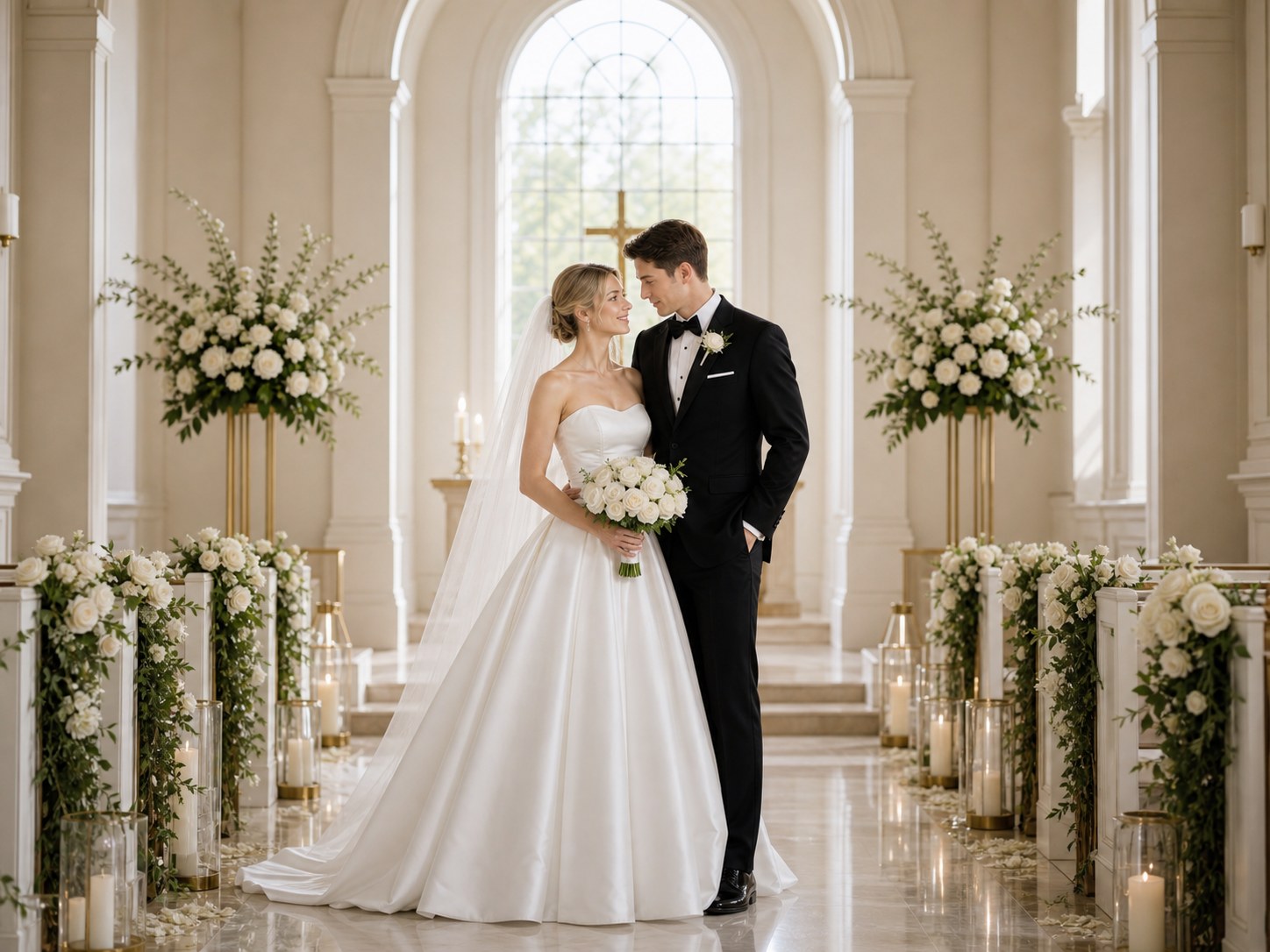
realistic likeness
This is what good likeness looks like — clear source photo, natural expression, and accurate face rendering.
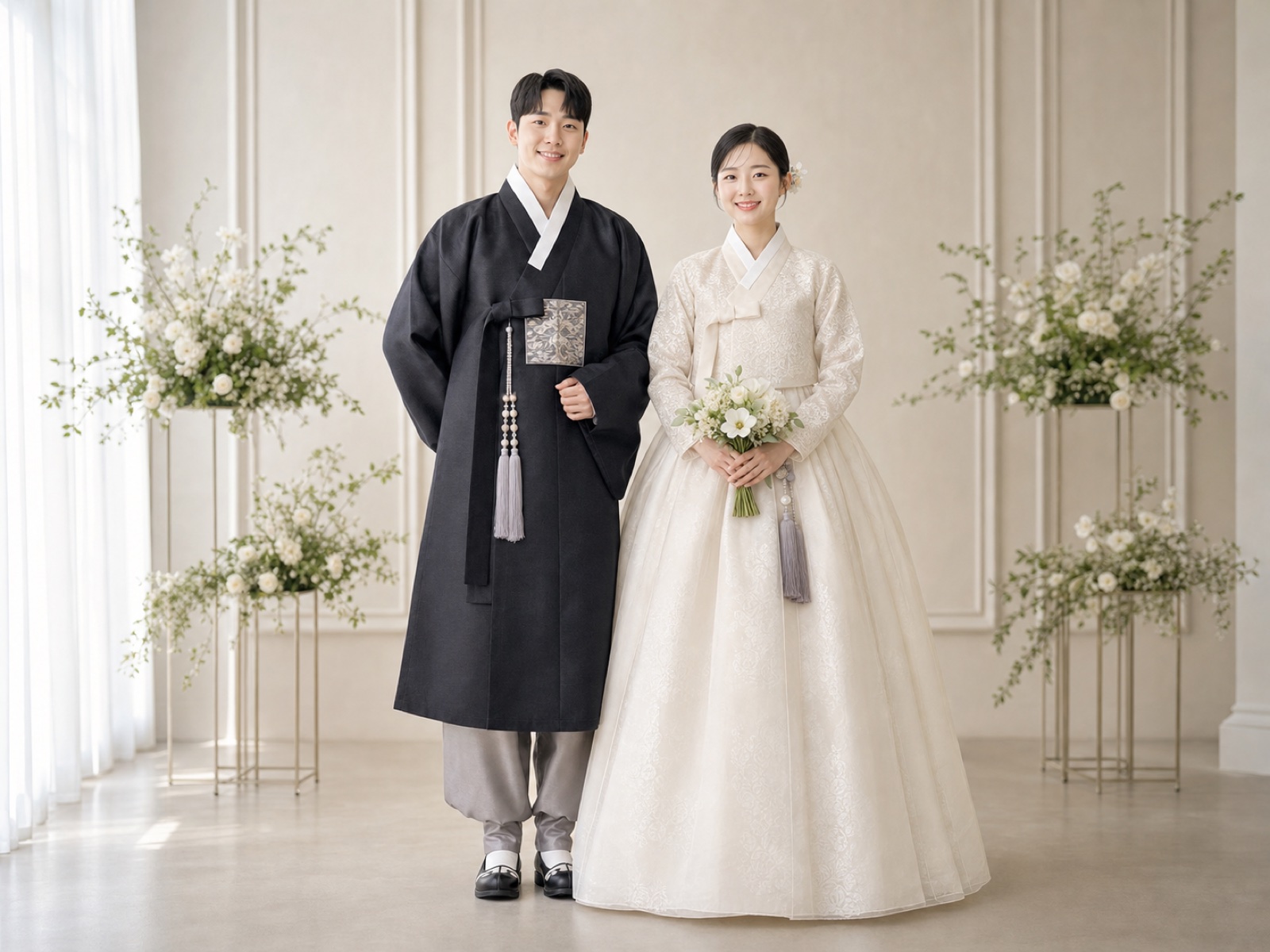
soft Korean light
Compare this direction — softer processing sometimes smooths individual features that make you recognizable.
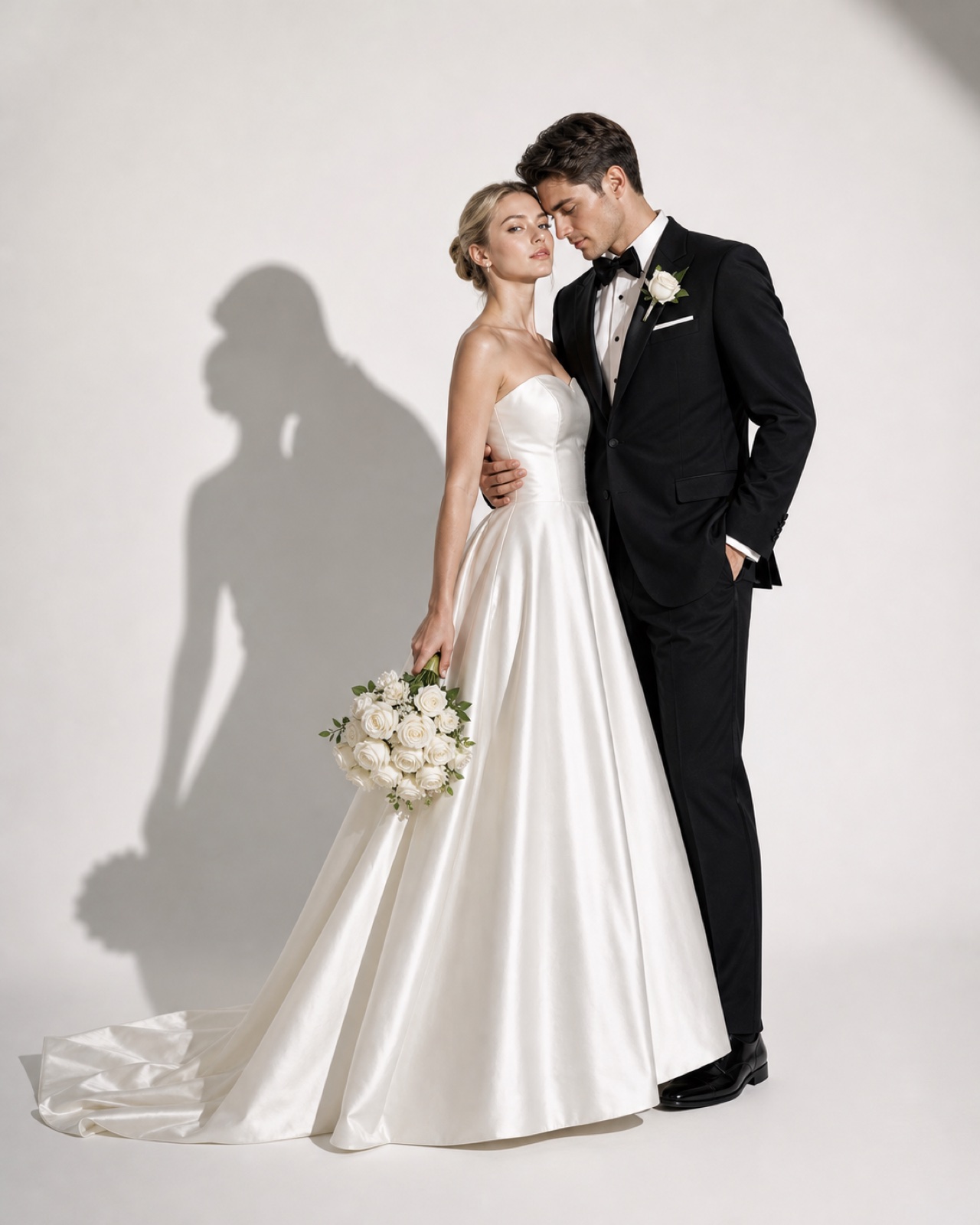
clean minimal
Try the minimal version — a blank background removes all distractions and puts full attention on face accuracy.
Try these moods first
How FondPix helps with Why Don T AI Wedding Photos Look Like Us?
Move from emotion to decision: upload photos you both like, test a few clear directions, then keep the one that supports the next wedding step.
Start with photos you both approve
Use clear, natural couple photos where both faces, posture, and expression feel like you.
Name the wedding feeling
Compare realistic likeness, soft Korean light, and clean minimal by warmth, formality, family fit, and design space.
Receive Two Wedding Portraits to Compare
FondPix creates two high-quality watermarked previews so you can see both portraits before deciding whether to keep them. If neither portrait feels right, you can leave the project unpaid. A one-time payment keeps these same two high-quality files without watermarks; it never creates replacement images.
Where this can improve the wedding experience
FondPix is most valuable before a decision becomes expensive, public, or hard to change.
realistic likeness
realistic likeness helps you judge the image from a different angle: warmth, likeness, family fit, and real wedding use.
soft Korean light
soft Korean light helps you judge the image from a different angle: warmth, likeness, family fit, and real wedding use.
clean minimal
clean minimal helps you judge the image from a different angle: warmth, likeness, family fit, and real wedding use.
Couple decision guide
Keep the real memories real
Use FondPix for planning, previews, invitations, album ideas, and briefs. Use real photography for vows, family groups, guest reactions, and one-time ceremony moments.
How do we know it fits us?
Look beyond polish. Check whether both people still look like themselves, whether the expression feels relaxed, and whether the image supports the real wedding use.
See both portraits, then choose what they are worth to you
FondPix creates two high-quality watermarked previews so you can see both portraits before deciding whether to keep them. If neither portrait feels right, you can leave the project unpaid. A one-time payment keeps these same two high-quality files without watermarks; it never creates replacement images.
Can FondPix replace real wedding photography?
No. Use FondPix for planning, invitations, albums, moodboards, and briefs. Keep vows, family moments, guest reactions, and ceremony memories as real photography.
Why Don T AI Wedding Photos Look Like Us? FAQ
Short answers for couples who care about emotion, trust, image quality, and real wedding boundaries.
What is the most common reason AI portraits do not look like the source couple?+
The source photo was taken at too great a distance — faces are too small for the AI to accurately model individual features. Try with a photo where both faces fill roughly a third of the frame. This single change resolves the likeness issue in most cases. If that does not work, check whether the source photo has heavy skin smoothing or filters that have already erased your specific features.
Does the style choice affect how accurately the portrait resembles us?+
Yes. Very stylized, high-contrast, or atmospheric style directions prioritize the aesthetic over facial accuracy. Softer, more portrait-focused styles — classic studio, soft Korean, romantic garden — preserve individual facial characteristics better. If likeness is your priority, start with the softest available style and add stylization only once likeness is working.
What if the portrait looks like us but expressions seem wrong?+
Expression issues often come from source photos where the expression was forced or stiff rather than natural. Try with a source photo where both of you are caught in a genuinely relaxed or happy moment — not a photo taken specifically for formal purposes. Candid photos, photos from celebrations, or natural moments together tend to produce warmer and more characteristic expressions in the output.
Can FondPix replace real wedding photography?+
No. Use FondPix for planning, invitations, albums, moodboards, and briefs. Keep vows, family moments, guest reactions, and ceremony memories as real photography.
Create a wedding image that feels like you
If these wedding portraits give you even a moment of feeling, choose the price that feels right and keep them both as part of your story.
Upload clear couple photos and compare realistic likeness, soft Korean light, and clean minimal before you use the image for the wedding.