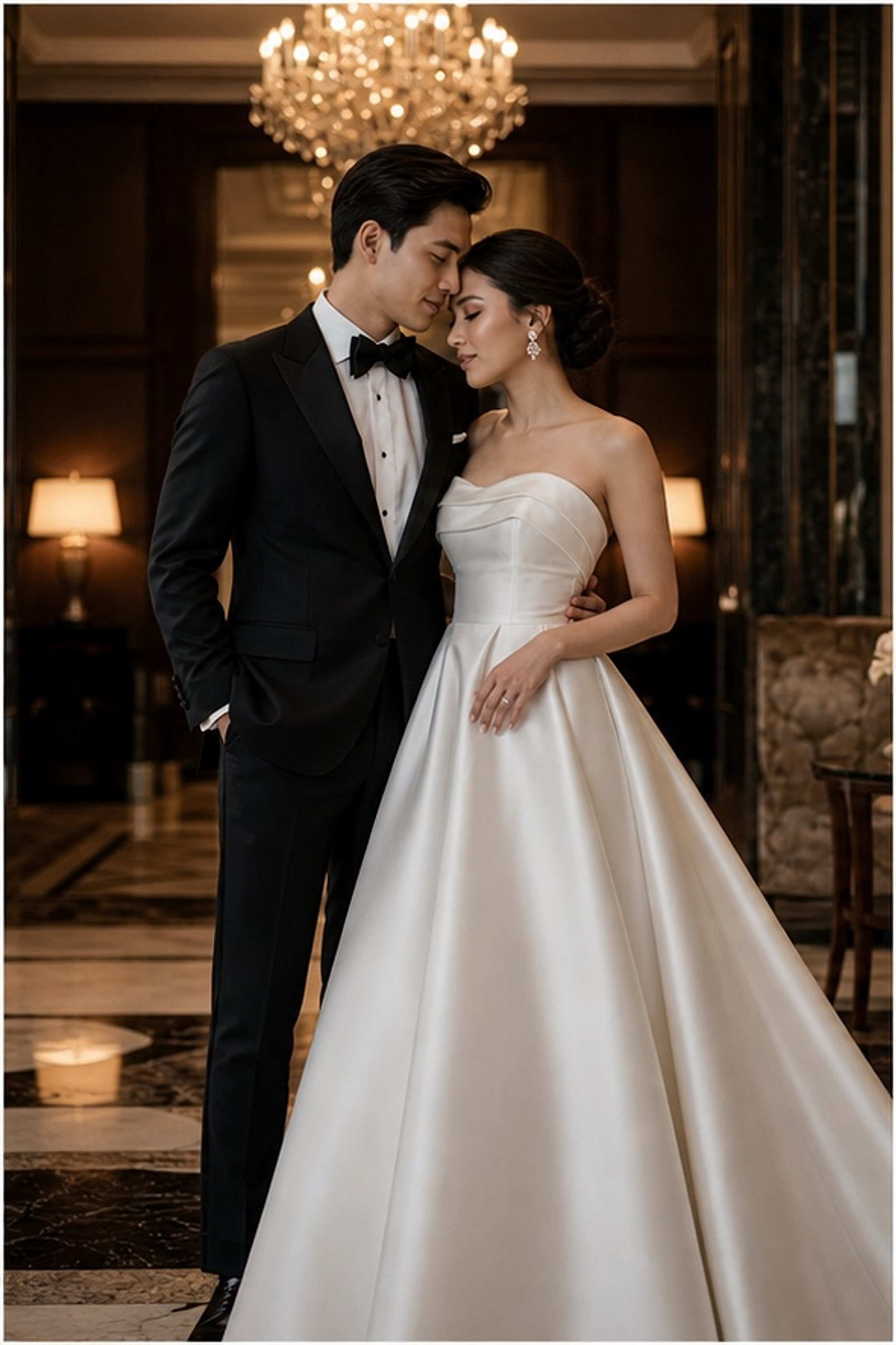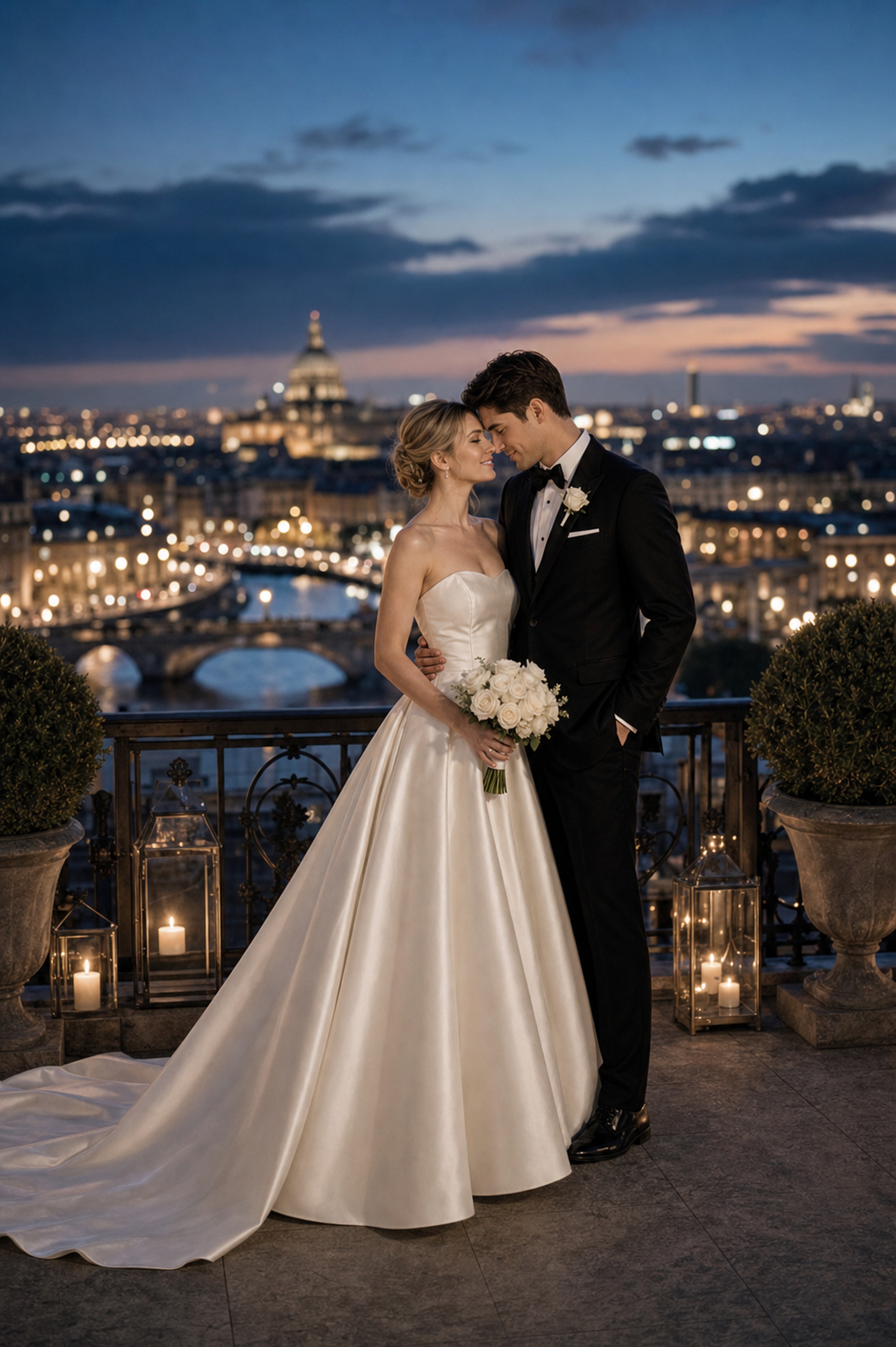
Start with photos you both approve
Use clear, natural couple photos where both faces, posture, and expression feel like you.

The answer depends entirely on what you plan to do with the image. 2K resolution works well for digital uses — social media posts, email invitations, wedding websites, and preview comparisons. 4K resolution is needed when you plan to print: invitations, thank-you cards, album pages, and framed prints all benefit from the higher resolution. If you are not sure yet, start with 2K to test the style and composition, then upgrade to 4K when you have found the portrait you want to use.
The decision guide below maps resolution to end use — so you can choose the right output before generating, not after.
The answer depends entirely on what you plan to do with the image. 2K resolution works well for digital uses — social media posts, email invitations, wedding websites, and preview comparisons. 4K resolution is needed when you plan to print: invitations, thank-you cards, album pages, and framed prints all benefit from the higher resolution. If you are not sure yet, start with 2K to test the style and composition, then upgrade to 4K when you have found the portrait you want to use.
Start with album keepsake, then compare it with invitation portrait and website hero. The first round should reveal feeling, not create too many similar images.
Look beyond polish. Check whether both people still look like themselves, whether the expression feels relaxed, and whether the image supports the real wedding use.
These directions are chosen to help you prepare images that still feel lovely after cropping, printing, and sharing. Compare how each one changes closeness, formality, layout space, and the way family or guests may receive the image.
Couple decision guide
Couple decision guideMove from emotion to decision: upload photos you both like, test a few clear directions, then keep the one that supports the next wedding step.
Use clear, natural couple photos where both faces, posture, and expression feel like you.
Compare album keepsake, invitation portrait, and website hero by warmth, formality, family fit, and design space.
Before downloading, check likeness, hands, wardrobe, crop, text space, and whether the image still feels tender.
FondPix is most valuable before a decision becomes expensive, public, or hard to change.
album keepsake helps you judge the image from a different angle: warmth, likeness, family fit, and real wedding use.
invitation portrait helps you judge the image from a different angle: warmth, likeness, family fit, and real wedding use.
website hero helps you judge the image from a different angle: warmth, likeness, family fit, and real wedding use.
Use FondPix for planning, previews, invitations, album ideas, and briefs. Use real photography for vows, family groups, guest reactions, and one-time ceremony moments.
Look beyond polish. Check whether both people still look like themselves, whether the expression feels relaxed, and whether the image supports the real wedding use.
Regenerate if the faces feel unfamiliar, hands look wrong, wardrobe feels off, text space is missing, or the mood feels too cold for a wedding.
No. Use FondPix for planning, invitations, albums, moodboards, and briefs. Keep vows, family moments, guest reactions, and ceremony memories as real photography.
Short answers for couples who care about emotion, trust, image quality, and real wedding boundaries.
For most standard invitation sizes — A6, 5×7, or postcard — 2K resolution can work, but 4K is noticeably sharper for printed output, especially for faces. If the invitation will be mailed and held by guests, 4K is the safer choice. If it is a digital e-invite only, 2K is sufficient.
2K (approximately 2048 × 1536 pixels) prints cleanly at up to A5 or 5×7 at 300 DPI. 4K (approximately 3840 × 2160 pixels) handles A4 or 8×10 at 300 DPI with room to spare. For anything larger than A4, discuss requirements with your print service.
Yes. Preview and compare in 2K — it is perfectly good for evaluation. Once you have chosen the portrait and style direction you want to use for a real purpose, download the 4K version for that specific image. This workflow saves both time and cost during the comparison stage.
Upload clear couple photos and compare album keepsake, invitation portrait, and website hero before you use the image for the wedding.