
How to Use AI Wedding Photos as a Photographer Brief?How to Use AI Wedding Photos as a Photographer Brief?
Words describe, but images show — and the gap between what couples describe and what photographers deliver is often just a failure of visual communication. FondPix AI portrait generator creates specific, concrete portraits in the styles you are considering, which you can hand directly to your photographer as a visual brief. Instead of saying 'romantic but not fussy' or 'editorial but warm,' you can show exactly what those words mean to you, in a portrait that already looks like both of you.Words describe, but images show — and the gap between what couples describe and what photographers deliver is often just a failure of visual communication. FondPix AI portrait generator creates specific, concrete portraits in the styles you are considering, which you can hand directly to your photographer as a visual brief. Instead of saying 'romantic but not fussy' or 'editorial but warm,' you can show exactly what those words mean to you, in a portrait that already looks like both of you.
emotion first
couple likeness
wedding use
How to Use AI Wedding Photos as a Photographer Brief?
This guide shows how to organize your AI outputs into a brief format that communicates style, mood, and scene preferences clearly to any photographer.
Best for couples who want more than a pretty sample
- Couples who have struggled to communicate their exact style vision to a photographer using words alone and want a more effective briefing tool.
- Partners who are comparing multiple photographers and want a consistent visual reference to show each one, so the responses are actually comparable.
- Anyone who wants to arrive at the first photographer meeting with something concrete to react to rather than starting the style conversation from scratch.
What to check before choosing
- Emotional goal
- arrive at your photographer meeting with visual proof of exactly how you want to feel in every portrait — not just words
- Where to use it
- classic studio, editorial portrait, and dream destination for wedding planning, design, or keepsake decisions.
- Check closely
- Review likeness, closeness, hands, wardrobe, crop, text space, and whether the image feels tender.
- Real boundary
- Use AI for previews and design; keep vows, family groups, hugs, and guest reactions as real photography.
How to Use AI Wedding Photos as a Photographer Brief?+
Words describe, but images show — and the gap between what couples describe and what photographers deliver is often just a failure of visual communication. FondPix AI portrait generator creates specific, concrete portraits in the styles you are considering, which you can hand directly to your photographer as a visual brief. Instead of saying 'romantic but not fussy' or 'editorial but warm,' you can show exactly what those words mean to you, in a portrait that already looks like both of you.
Which version should we try first?+
Start with classic studio, then compare it with editorial portrait and dream destination. The first round should reveal feeling, not create too many similar images.
How do we know it fits us?+
Look beyond polish. Check whether both people still look like themselves, whether the expression feels relaxed, and whether the image supports the real wedding use.
Try these moods first
Warmer directions for How to Use AI Wedding Photos as a Photographer Brief?
These directions are chosen to help you turn feelings into a reference that planners, designers, and photographers can understand. Compare how each one changes closeness, formality, layout space, and the way family or guests may receive the image.
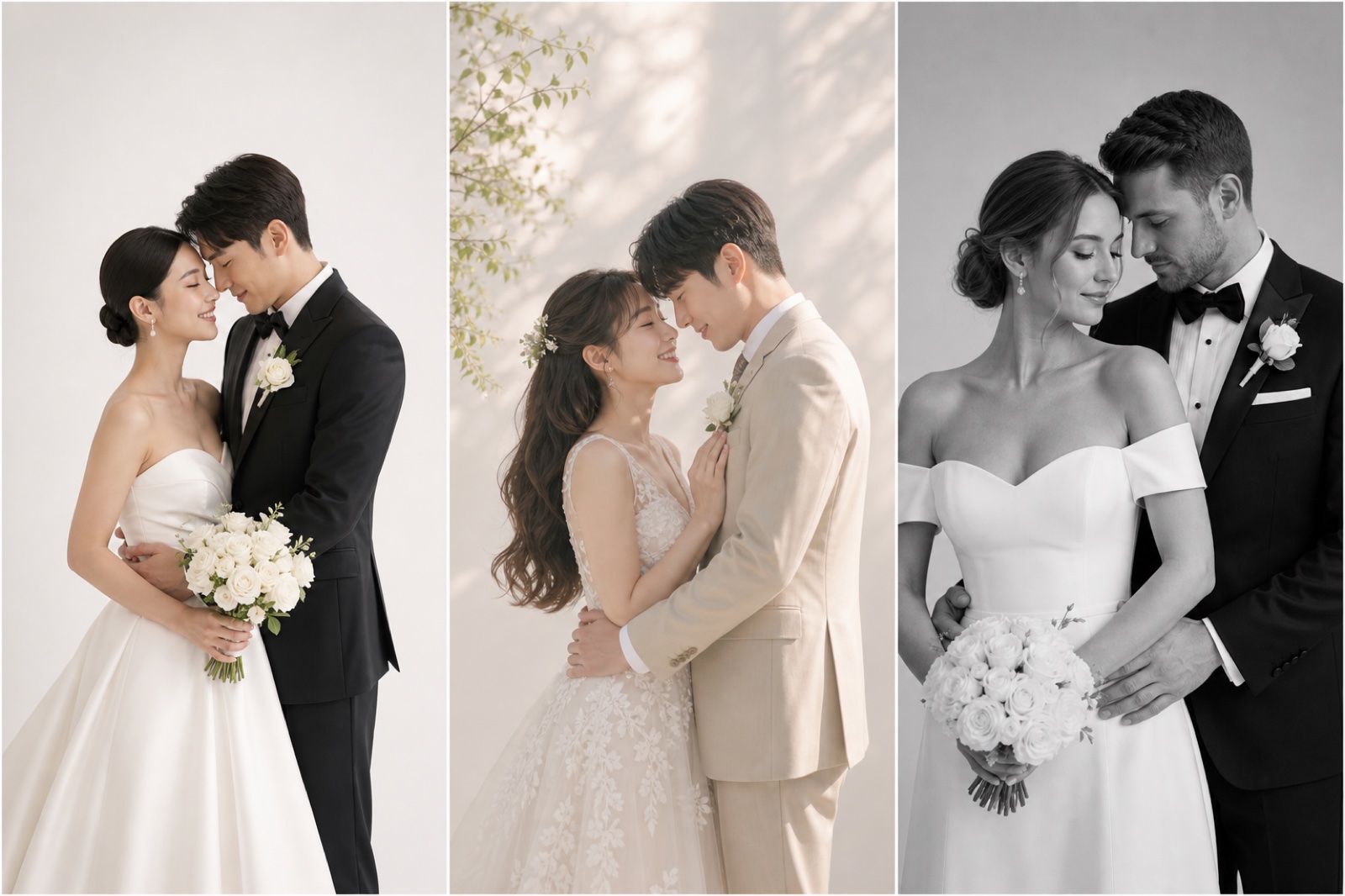
classic studio
Share this with your photographer to describe the formal indoor direction you want for part of the session.
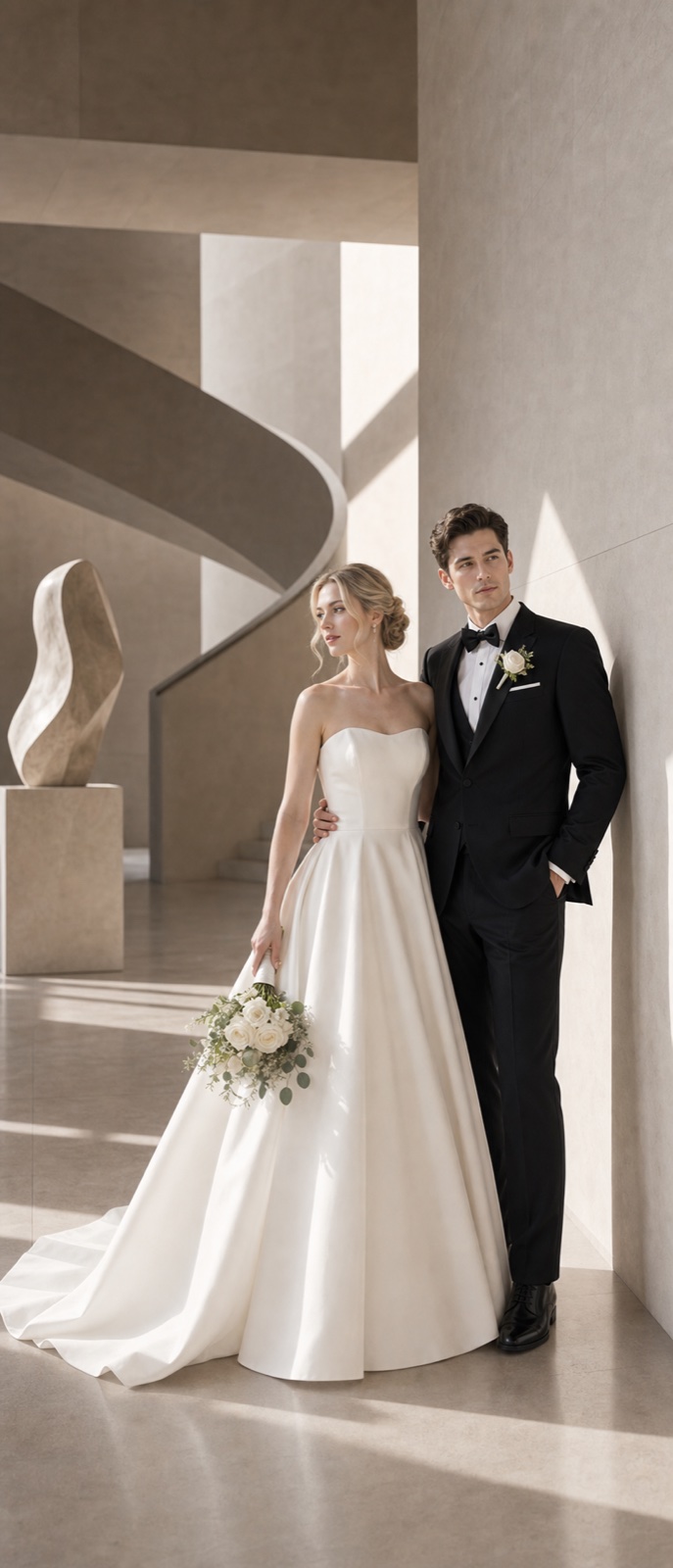
editorial portrait
Compare the editorial version — it communicates mood, crop, and expression preferences more precisely than words.
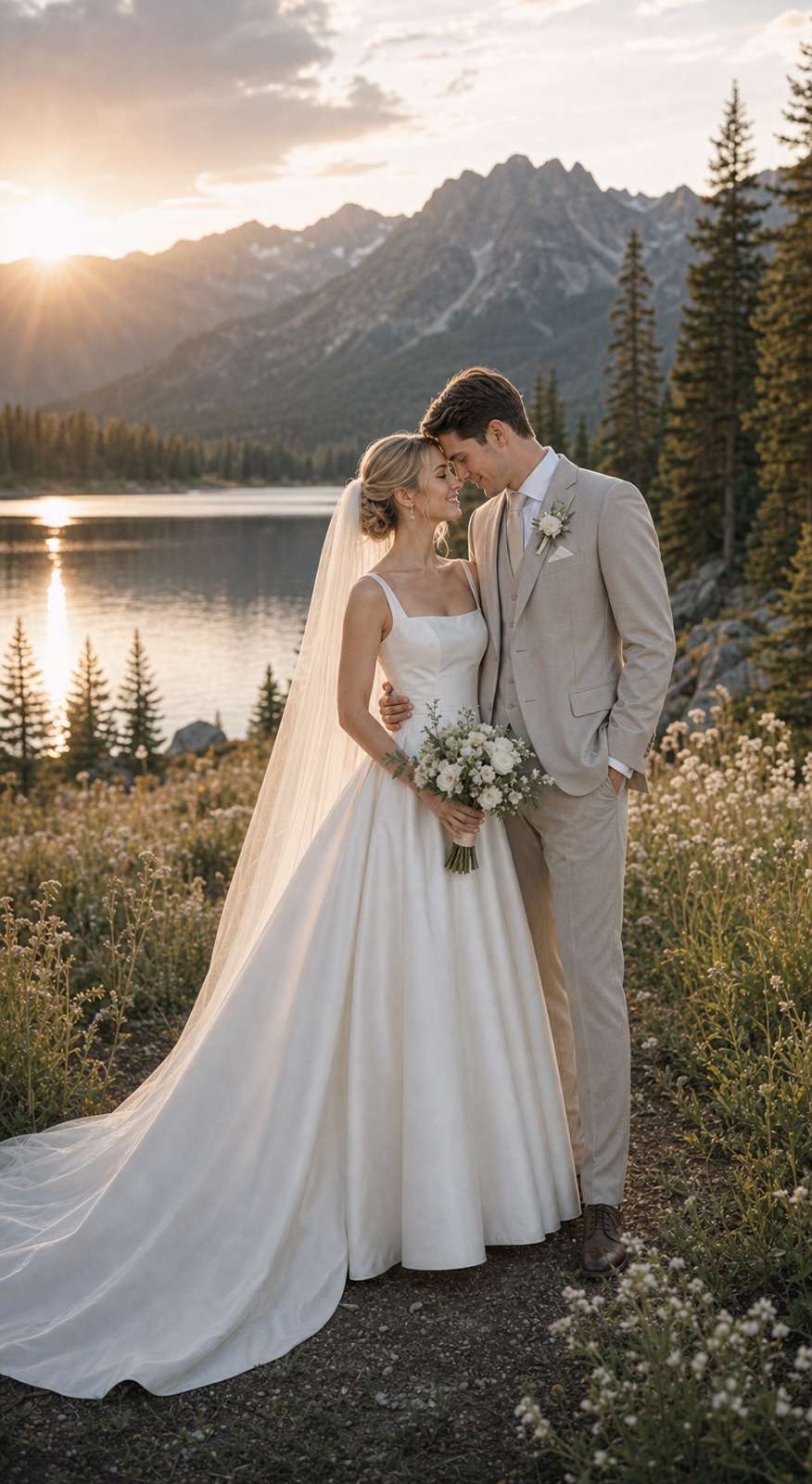
dream destination
Add the destination direction if you want to brief your photographer on a specific location or travel shoot.
Try these moods first
How FondPix helps with How to Use AI Wedding Photos as a Photographer Brief?
Move from emotion to decision: upload photos you both like, test a few clear directions, then keep the one that supports the next wedding step.
Start with photos you both approve
Use clear, natural couple photos where both faces, posture, and expression feel like you.
Name the wedding feeling
Compare classic studio, editorial portrait, and dream destination by warmth, formality, family fit, and design space.
Receive Two Wedding Portraits to Compare
FondPix creates two high-quality watermarked previews so you can see both portraits before deciding whether to keep them. If neither portrait feels right, you can leave the project unpaid. A one-time payment keeps these same two high-quality files without watermarks; it never creates replacement images.
Where this can improve the wedding experience
FondPix is most valuable before a decision becomes expensive, public, or hard to change.
classic studio
classic studio helps you judge the image from a different angle: warmth, likeness, family fit, and real wedding use.
editorial portrait
editorial portrait helps you judge the image from a different angle: warmth, likeness, family fit, and real wedding use.
dream destination
dream destination helps you judge the image from a different angle: warmth, likeness, family fit, and real wedding use.
Couple decision guide
Keep the real memories real
Use FondPix for planning, previews, invitations, album ideas, and briefs. Use real photography for vows, family groups, guest reactions, and one-time ceremony moments.
How do we know it fits us?
Look beyond polish. Check whether both people still look like themselves, whether the expression feels relaxed, and whether the image supports the real wedding use.
See both portraits, then choose what they are worth to you
FondPix creates two high-quality watermarked previews so you can see both portraits before deciding whether to keep them. If neither portrait feels right, you can leave the project unpaid. A one-time payment keeps these same two high-quality files without watermarks; it never creates replacement images.
Can FondPix replace real wedding photography?
No. Use FondPix for planning, invitations, albums, moodboards, and briefs. Keep vows, family moments, guest reactions, and ceremony memories as real photography.
How to Use AI Wedding Photos as a Photographer Brief? FAQ
Short answers for couples who care about emotion, trust, image quality, and real wedding boundaries.
How do I turn FondPix portraits into an effective photographer brief?+
Generate two or three portraits in different styles — the direction you love most, and one or two alternatives you are less certain about. For each, write one sentence about what you love and one about what you might change. This gives your photographer both positive direction and specific feedback, which is the most useful kind of brief.
Will photographers respond well to AI portrait briefs?+
Most professional photographers respond very positively to visual briefs of any kind, including AI-generated portraits. It gives them clarity about your preferences, reduces the risk of misunderstanding, and lets them focus their creative energy on the actual shoot rather than guessing at your vision. Many photographers find it genuinely helpful.
Can AI portraits replace mood boards for photographer briefing?+
They work differently. Mood boards show general aesthetic direction using multiple references. AI portraits with your own faces show specifically what you want to look like in the portraits — which is more personal and directly useful for a portrait photographer. Use both together for the strongest brief: AI portraits for likeness direction, mood board for atmosphere and light.
Can AI portraits replace mood boards for photographer briefing?+
They work differently. Mood boards show general aesthetic direction using multiple references. AI portraits with your own faces show specifically what you want to look like in the portraits — which is more personal and directly useful for a portrait photographer. Use both together for the strongest brief: AI portraits for likeness direction, mood board for atmosphere and light.
Create a wedding image that feels like you
If these wedding portraits give you even a moment of feeling, choose the price that feels right and keep them both as part of your story.
Upload clear couple photos and compare classic studio, editorial portrait, and dream destination before you use the image for the wedding.