
How to Avoid Bad AI Text in Wedding Invitations?How to Avoid Bad AI Text in Wedding Invitations?
AI wedding portrait generators sometimes produce garbled, unreadable text in background elements — decorative signs, window lettering, or wall text that appears as plausible-looking but meaningless characters. The solution is straightforward: choose portrait styles and compositions where the background is naturally clean, soft, or bokeh — a garden, studio, or sky background will not contain text artifacts. If your chosen style has architectural details, review the background carefully before downloading.AI wedding portrait generators sometimes produce garbled, unreadable text in background elements — decorative signs, window lettering, or wall text that appears as plausible-looking but meaningless characters. The solution is straightforward: choose portrait styles and compositions where the background is naturally clean, soft, or bokeh — a garden, studio, or sky background will not contain text artifacts. If your chosen style has architectural details, review the background carefully before downloading.
emotion first
couple likeness
wedding use
How to Avoid Bad AI Text in Wedding Invitations?
Follow the checklist below to identify which invitation formats are prone to text rendering errors and how to avoid them entirely.
Best for couples who want more than a pretty sample
- Couples who have seen AI-generated invitation images with strange background text and want to understand why it happens and how to avoid it.
- Partners who are planning to use an AI portrait for printed invitations and want to ensure the background is clean enough for professional printing.
- Anyone who wants to add names, dates, or venue details as text overlays and needs a portrait background that does not compete with readable text.
What to check before choosing
- Emotional goal
- create an invitation portrait with a clean, text-free background that prints beautifully and leaves room for names and dates
- Where to use it
- invitation portrait, clean minimal, and website hero for wedding planning, design, or keepsake decisions.
- Check closely
- Review likeness, closeness, hands, wardrobe, crop, text space, and whether the image feels tender.
- Real boundary
- Use AI for previews and design; keep vows, family groups, hugs, and guest reactions as real photography.
How to Avoid Bad AI Text in Wedding Invitations?+
AI wedding portrait generators sometimes produce garbled, unreadable text in background elements — decorative signs, window lettering, or wall text that appears as plausible-looking but meaningless characters. The solution is straightforward: choose portrait styles and compositions where the background is naturally clean, soft, or bokeh — a garden, studio, or sky background will not contain text artifacts. If your chosen style has architectural details, review the background carefully before downloading.
Which version should we try first?+
Start with invitation portrait, then compare it with clean minimal and website hero. The first round should reveal feeling, not create too many similar images.
How do we know it fits us?+
Look beyond polish. Check whether both people still look like themselves, whether the expression feels relaxed, and whether the image supports the real wedding use.
Try these moods first
Warmer directions for How to Avoid Bad AI Text in Wedding Invitations?
These directions are chosen to help you give invitations and save-the-date pieces a warm couple image before the final gallery exists. Compare how each one changes closeness, formality, layout space, and the way family or guests may receive the image.
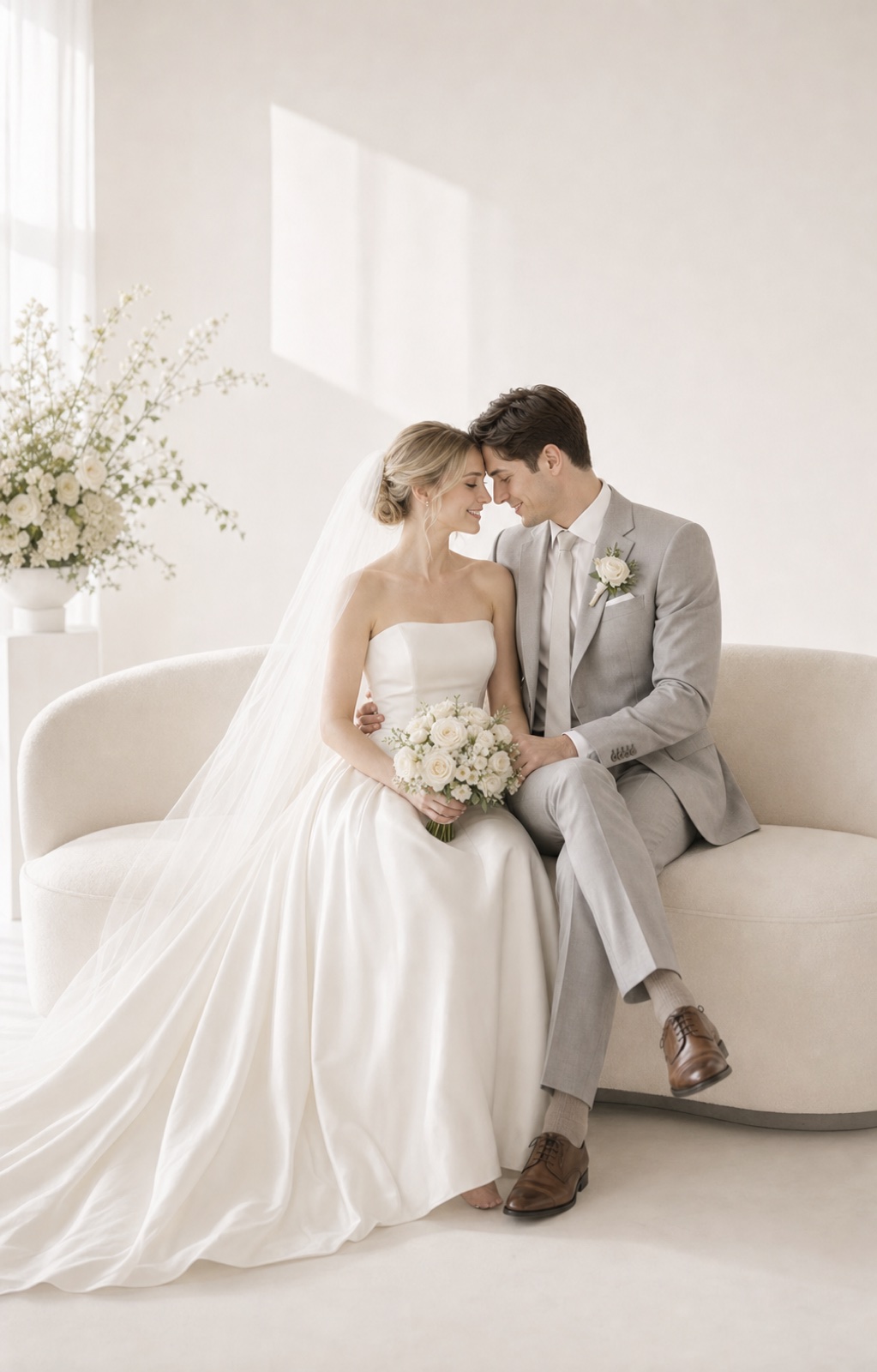
invitation portrait
This composition leaves the center clean — no risk of text artifacts appearing in the portrait.
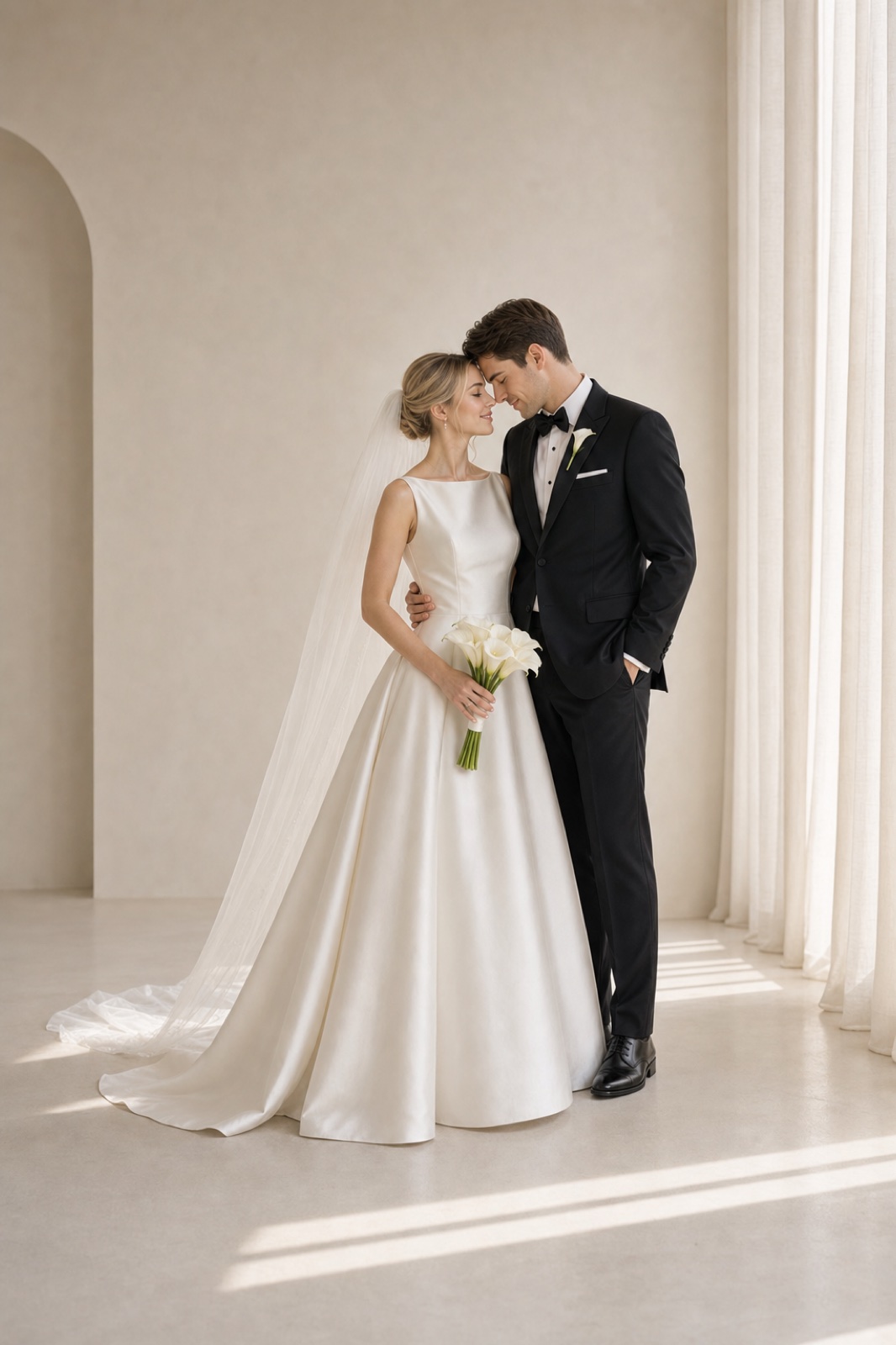
clean minimal
Compare the minimal version — a plain background removes every surface where text errors might appear.
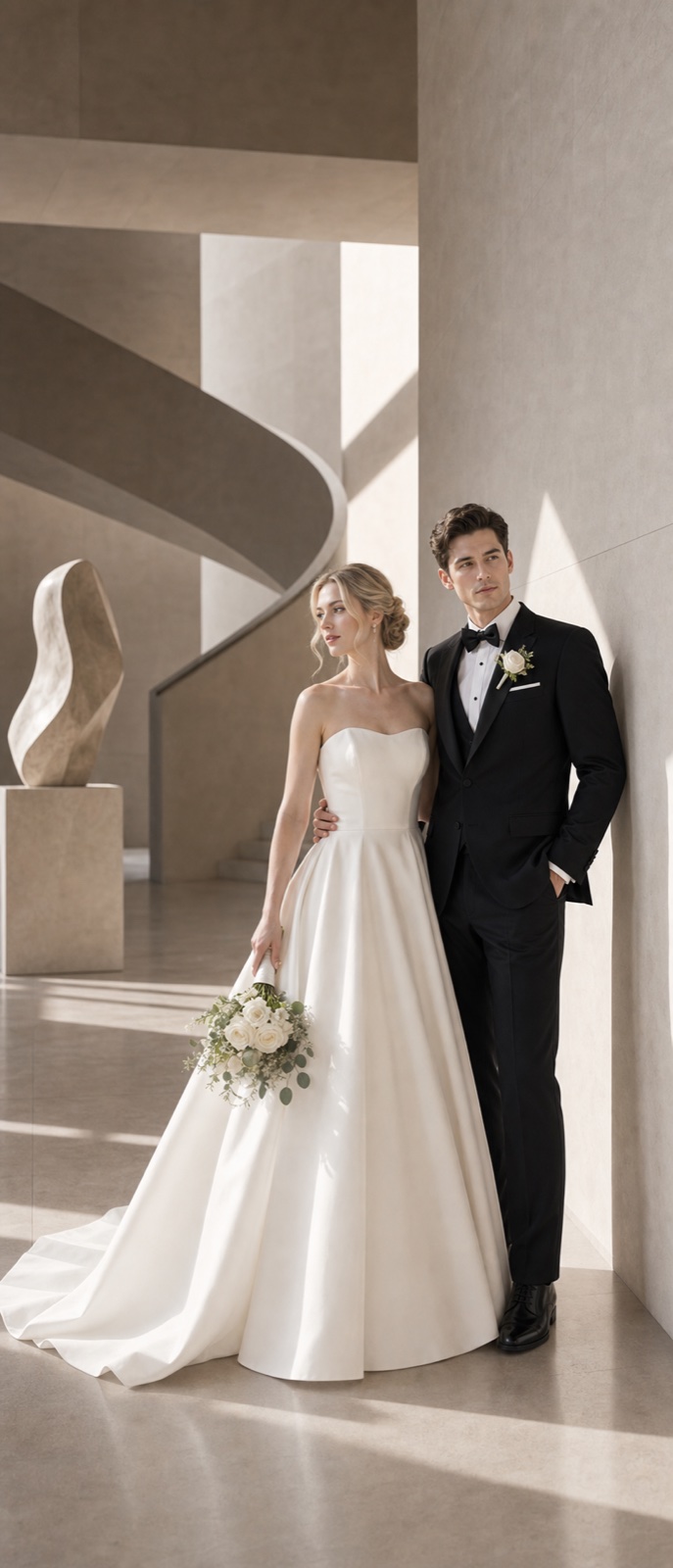
website hero
Share this direction with your designer to confirm it prints cleanly before the final invitation order.
Try these moods first
How FondPix helps with How to Avoid Bad AI Text in Wedding Invitations?
Move from emotion to decision: upload photos you both like, test a few clear directions, then keep the one that supports the next wedding step.
Start with photos you both approve
Use clear, natural couple photos where both faces, posture, and expression feel like you.
Name the wedding feeling
Compare invitation portrait, clean minimal, and website hero by warmth, formality, family fit, and design space.
Receive Two Wedding Portraits to Compare
FondPix creates two high-quality watermarked previews so you can see both portraits before deciding whether to keep them. If neither portrait feels right, you can leave the project unpaid. A one-time payment keeps these same two high-quality files without watermarks; it never creates replacement images.
Where this can improve the wedding experience
FondPix is most valuable before a decision becomes expensive, public, or hard to change.
invitation portrait
invitation portrait helps you judge the image from a different angle: warmth, likeness, family fit, and real wedding use.
clean minimal
clean minimal helps you judge the image from a different angle: warmth, likeness, family fit, and real wedding use.
website hero
website hero helps you judge the image from a different angle: warmth, likeness, family fit, and real wedding use.
Couple decision guide
Keep the real memories real
Use FondPix for planning, previews, invitations, album ideas, and briefs. Use real photography for vows, family groups, guest reactions, and one-time ceremony moments.
How do we know it fits us?
Look beyond polish. Check whether both people still look like themselves, whether the expression feels relaxed, and whether the image supports the real wedding use.
See both portraits, then choose what they are worth to you
FondPix creates two high-quality watermarked previews so you can see both portraits before deciding whether to keep them. If neither portrait feels right, you can leave the project unpaid. A one-time payment keeps these same two high-quality files without watermarks; it never creates replacement images.
Can FondPix replace real wedding photography?
No. Use FondPix for planning, invitations, albums, moodboards, and briefs. Keep vows, family moments, guest reactions, and ceremony memories as real photography.
How to Avoid Bad AI Text in Wedding Invitations? FAQ
Short answers for couples who care about emotion, trust, image quality, and real wedding boundaries.
Why does AI generate garbled text in some wedding photos?+
AI image models learn from real-world photos where text appears naturally — on signs, walls, menus, and architectural details. When generating a scene with similar elements, the model recreates the pattern of text without being able to reproduce actual readable characters. This is a known limitation of current image generation models.
Which background styles avoid text artifacts?+
Garden and outdoor nature backgrounds, studio and seamless white backgrounds, soft bokeh with distant cityscapes, and cloud or sky backgrounds all naturally avoid text. Architectural styles with clear lettering — like Parisian street scenes or hotel lobbies with visible signage — are where text artifacts most commonly appear.
What if I see garbled text in the background of a portrait I like?+
FondPix creates two high-quality watermarked previews so you can see both portraits before deciding whether to keep them. If neither portrait feels right, you can leave the project unpaid. A one-time payment keeps these same two high-quality files without watermarks; it never creates replacement images.
Can FondPix replace real wedding photography?+
No. Use FondPix for planning, invitations, albums, moodboards, and briefs. Keep vows, family moments, guest reactions, and ceremony memories as real photography.
Create a wedding image that feels like you
If these wedding portraits give you even a moment of feeling, choose the price that feels right and keep them both as part of your story.
Upload clear couple photos and compare invitation portrait, clean minimal, and website hero before you use the image for the wedding.