
FondPix AI Wedding Photos vs Wedding Moodboards: which should couples choose?FondPix AI Wedding Photos vs Wedding Moodboards: which should couples choose?
A wedding moodboard collects inspiration from the world — other couples' beautiful photos, color palettes, florals — to help you articulate what you want your day to feel like. AI wedding photos show you what you would look like inside that inspiration. Moving from 'I love this' to 'this is actually us' is one of the most exciting moments in wedding planning.A wedding moodboard collects inspiration from the world — other couples' beautiful photos, color palettes, florals — to help you articulate what you want your day to feel like. AI wedding photos show you what you would look like inside that inspiration. Moving from 'I love this' to 'this is actually us' is one of the most exciting moments in wedding planning.
user FAQs
outputs
first
FondPix AI Wedding Photos vs Wedding Moodboards: which should couples choose?
Moodboards are the dreaming phase — collecting what inspires you from the world. AI wedding photos are the translation phase — seeing yourself inside that inspiration. If you have a moodboard but can't fully picture yourself in it, FondPix bridges that gap by showing you what your own faces look like in those styles.
Who should choose FondPix AI Wedding Photos, and who should choose Wedding Moodboards?
- Choose it when the couple is still deciding style, budget, layout, invitation artwork, or album direction.
- Choose it when the couple already knows the layout, only needs inspiration, or does not need a personalized finished image.
- Couples who are unsure should picture the image in their invitation, album, website, or family chat, then choose the option that feels most like them.
Practical comparison
- FondPix AI Wedding Photos strengths
- FondPix creates two high-quality watermarked previews so you can see both portraits before deciding whether to keep them. If neither portrait feels right, you can leave the project unpaid. A one-time payment keeps these same two high-quality files without watermarks; it never creates replacement images.
- Wedding Moodboards strengths
- Wedding Moodboards is strongest for quick setup, mature design patterns, inspiration, or non-final assets that do not require the couple's real faces.
- Choose FondPix AI Wedding Photos when
- Choose it when the couple is still deciding style, budget, layout, invitation artwork, or album direction. It works well for planning references, invitation drafts, style comparisons, album candidates, and stakeholder review.
- Choose Wedding Moodboards when
- Choose it when the couple already knows the layout, only needs inspiration, or does not need a personalized finished image. It works well for moodboards, layout drafts, template design, background testing, and informal planning conversations.
- Best recommendation
- Start with where the image will live and how it should make the couple feel. For planning, invitation drafts, albums, and style comparison, pick the option that feels easier to love, edit, and share. If the image must prove a real ceremony moment, use real photography.
What are the advantages of FondPix AI Wedding Photos?+
FondPix creates two high-quality watermarked previews so you can see both portraits before deciding whether to keep them. If neither portrait feels right, you can leave the project unpaid. A one-time payment keeps these same two high-quality files without watermarks; it never creates replacement images.
What are the advantages of Wedding Moodboards?+
Wedding Moodboards is strongest for quick setup, mature design patterns, inspiration, or non-final assets that do not require the couple's real faces.
Who should choose FondPix AI Wedding Photos?+
Choose it when the couple is still deciding style, budget, layout, invitation artwork, or album direction. It works well for planning references, invitation drafts, style comparisons, album candidates, and stakeholder review.
Best styles for this use case
Best visual directions for AI Wedding Photos vs Wedding Moodboards: Which Should Couples Use?
Use these directions to judge whether the wedding planning reference images fits style decisions, photographer briefs, moodboards, pose tests, outfit previews, and family discussions. The image should serve the real task, not just look like a decorative AI render.
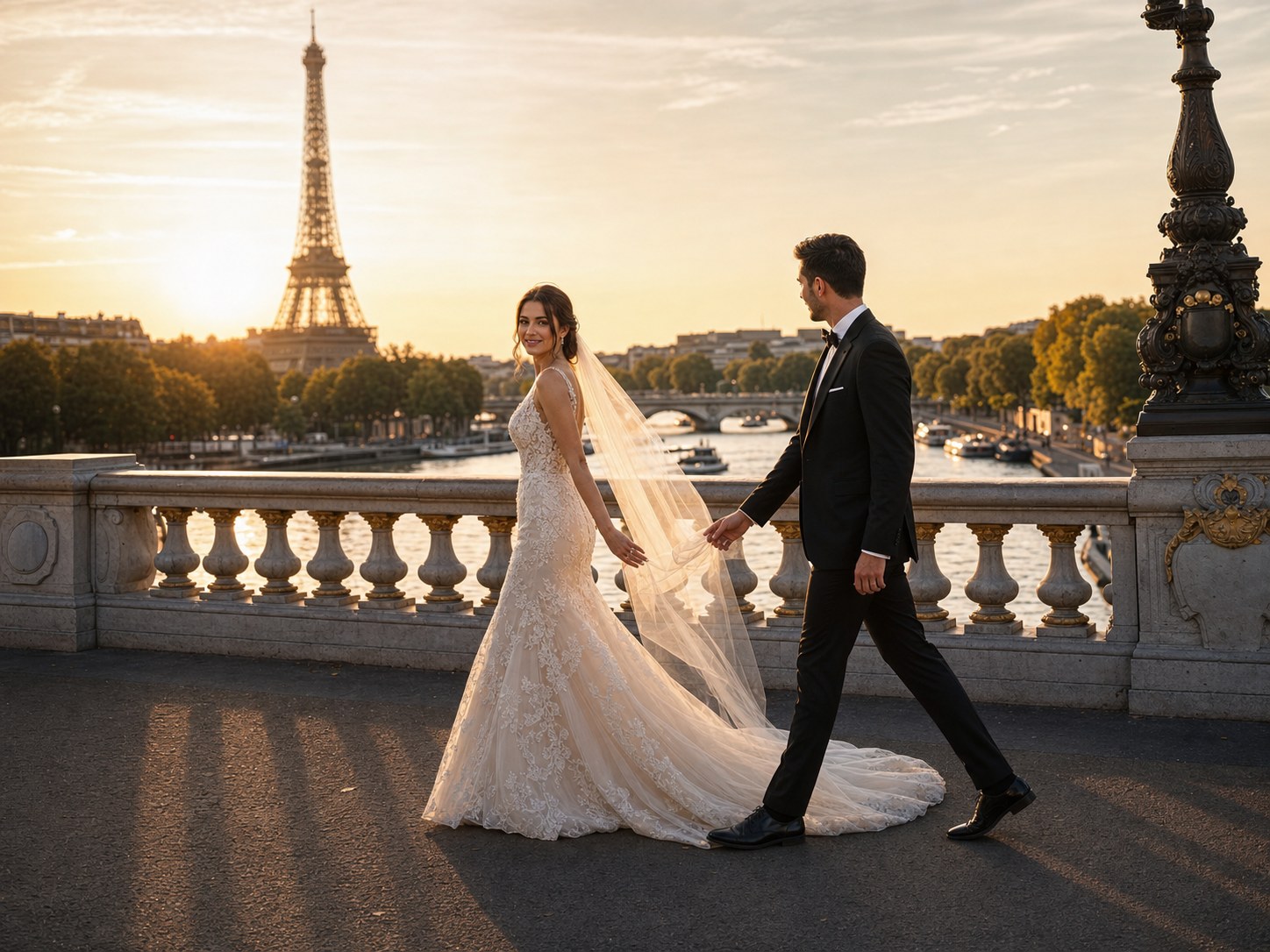
Style comparison board
A relevant paris wedding portrait direction for this FondPix page.
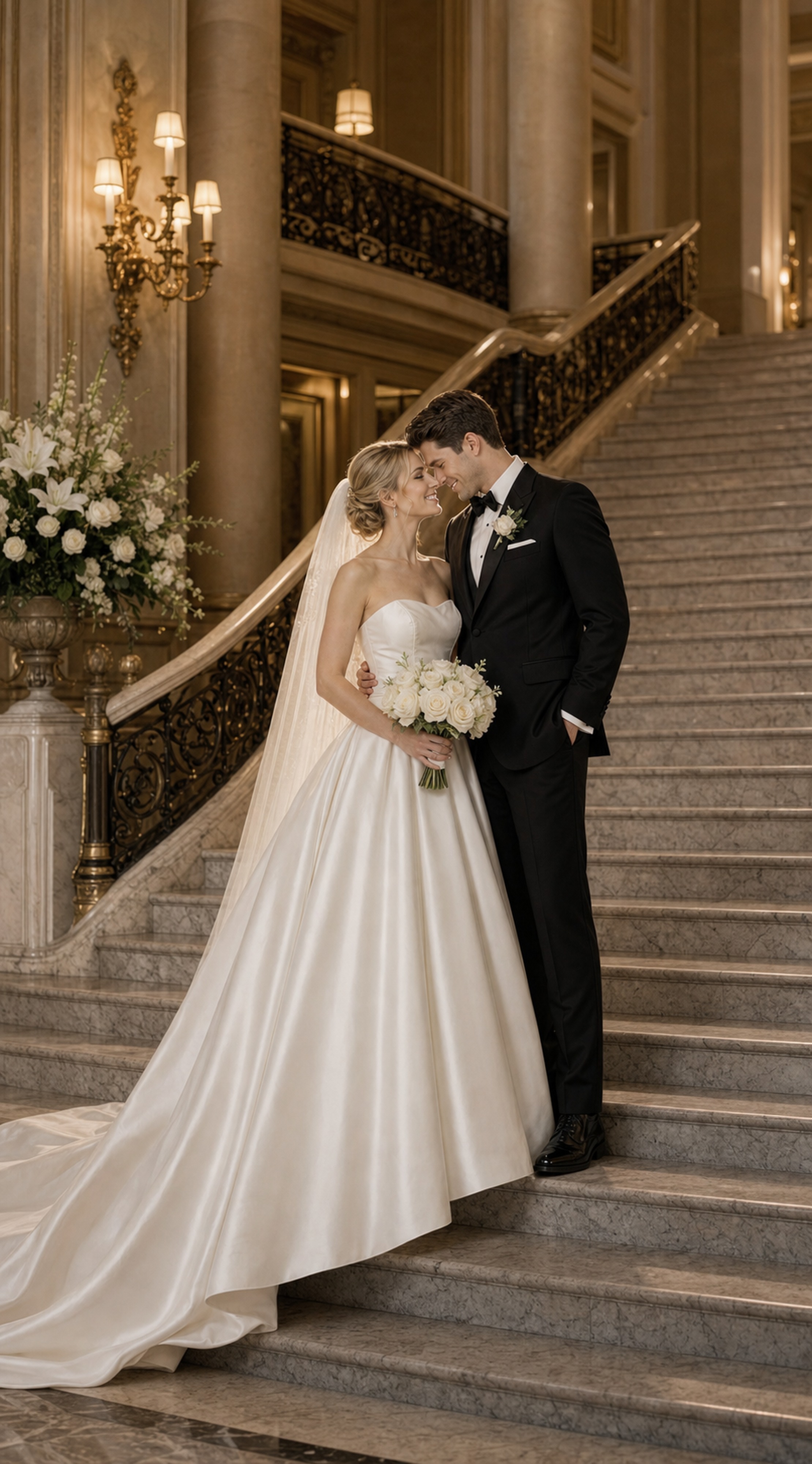
Pose reference portrait
A relevant luxury hotel wedding portrait direction for this FondPix page.
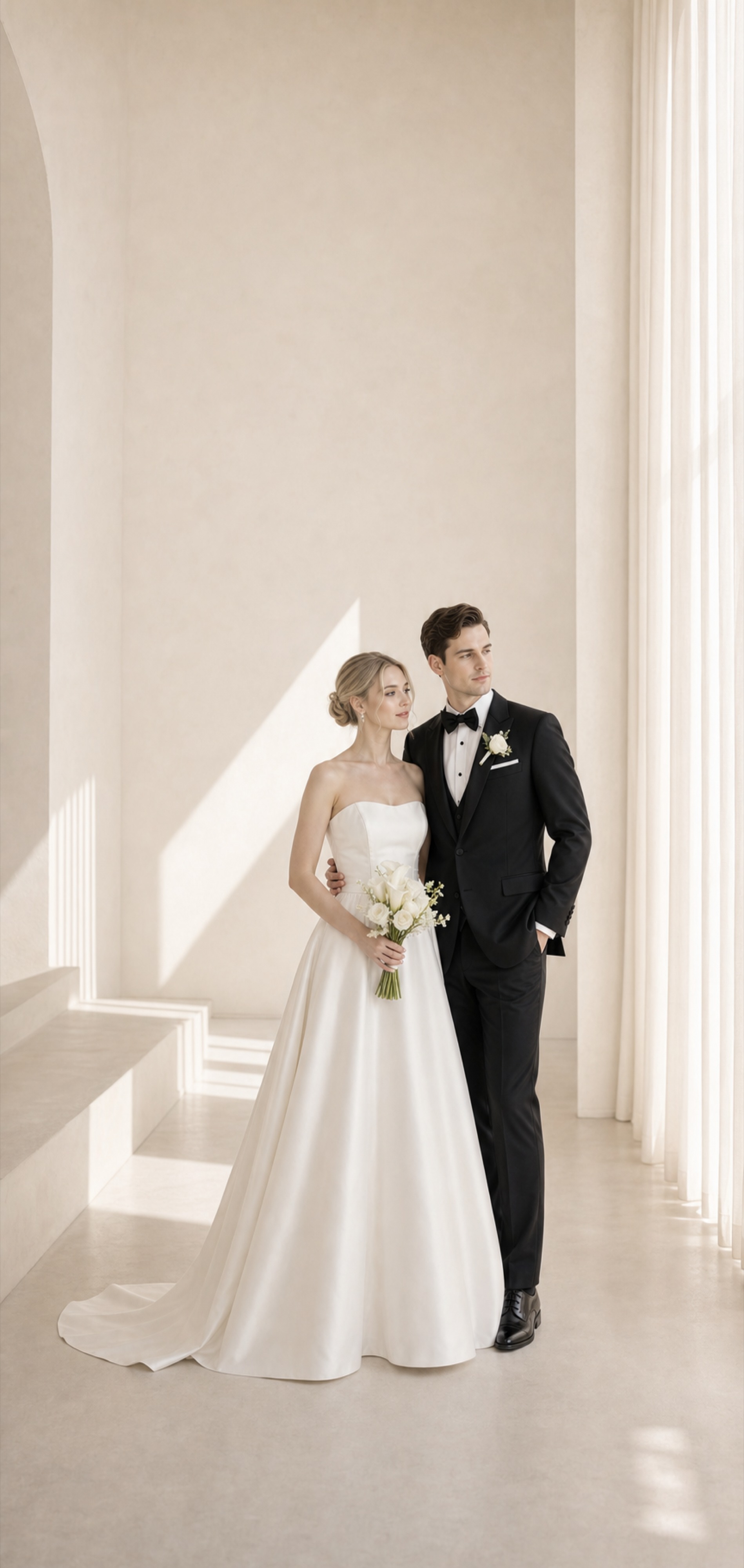
Photographer brief image
A relevant minimal light-filled wedding portrait direction for this FondPix page.
Decision method
How to decide between FondPix AI Wedding Photos and Wedding Moodboards
Choose the look that feels closest to your wedding story, then check whether it will still work for invitations, albums, family sharing, and print.
Picture where it will appear
Decide where the image will appear: invitation, album, announcement, wedding website, print, or family discussion.
Match strengths to the feeling
Check whether FondPix AI Wedding Photos or Wedding Moodboards better expresses the couple's culture, romance, family meaning, layout needs, budget, and comfort level.
Receive Two Wedding Portraits to Compare
FondPix creates two high-quality watermarked previews so you can see both portraits before deciding whether to keep them. If neither portrait feels right, you can leave the project unpaid. A one-time payment keeps these same two high-quality files without watermarks; it never creates replacement images.
When FondPix AI Wedding Photos is better, and when Wedding Moodboards is better
Use this section to choose by feeling, family context, and real use instead of treating both options as interchangeable styles.
FondPix AI Wedding Photos: main advantage
FondPix creates two high-quality watermarked previews so you can see both portraits before deciding whether to keep them. If neither portrait feels right, you can leave the project unpaid. A one-time payment keeps these same two high-quality files without watermarks; it never creates replacement images.
FondPix AI Wedding Photos: best scenarios
Choose it when the couple is still deciding style, budget, layout, invitation artwork, or album direction. It works well for planning references, invitation drafts, style comparisons, album candidates, and stakeholder review.
Wedding Moodboards: main advantage
Wedding Moodboards is strongest for quick setup, mature design patterns, inspiration, or non-final assets that do not require the couple's real faces.
Wedding Moodboards: best scenarios
Choose it when the couple already knows the layout, only needs inspiration, or does not need a personalized finished image. It works well for moodboards, layout drafts, template design, background testing, and informal planning conversations.
How to choose
Pick the option that feels most like the couple and is easiest to share with family, print beautifully, and use in the wedding design.
What to avoid
Do not choose only by visual taste. A beautiful image still needs to feel like the couple and fit the invitation, album, or announcement.
What to keep in mind
A few things that matter beyond visual style
The right wedding image does more than look beautiful — it needs to feel true to your couple, work in the context where it will be seen, and honor the people who will see it.
Proof needs real capture
Ceremonies, legal proof, family documentation, and guest reactions should not depend on generated or template-only visuals.
Design needs editable space
Invitation and website images need clean crop, text room, and predictable file quality, not just an attractive portrait.
Culture needs review
For attire, skin tone, body shape, religious symbols, and family context, ask the people shown to review before sharing.
FondPix AI Wedding Photos vs Wedding Moodboards: which should couples choose? FAQ
Practical answers about strengths, audiences, scenarios, and the final choice.
Who should choose Wedding Moodboards?+
Choose it when the couple already knows the layout, only needs inspiration, or does not need a personalized finished image. It works well for moodboards, layout drafts, template design, background testing, and informal planning conversations.
What is the most practical recommendation?+
Start with where the image will live and how you want it to feel. For invitations, albums, announcements, and planning, choose the option that feels most like the couple and is easiest to edit or share. For ceremony proof, family documentation, or live moments, choose real photography.
Can couples combine FondPix AI Wedding Photos and Wedding Moodboards?+
Yes. Many couples use one direction for inspiration or invitation design and the other for keepsakes, albums, or family sharing.
Which option is better for invitations?+
Choose the option with clearer faces, calmer composition, and enough blank space for names, dates, and venue details.
Which option is better for albums?+
Choose the option that feels more emotionally complete as part of the couple story, not just the one that looks impressive on its own.
Should family review the images?+
Yes, especially when cultural attire, religious symbols, family expectations, or public wedding announcements are involved.
How can couples avoid a fake-looking result?+
Use clear couple photos, keep styling consistent, avoid over-retouching, and check hands, faces, fabric, jewelry, and background details.
Which direction should couples try first?+
Try the direction that best matches the wedding feeling you already imagine, then compare one cleaner option and one more expressive option.
What matters most before choosing?+
The image should feel like the couple, work in the place it will be shown, and make the wedding feel closer and more personal.
Create wedding visuals with FondPix
If these wedding portraits give you even a moment of feeling, choose the price that feels right and keep them both as part of your story.
FondPix creates two high-quality watermarked previews. A one-time payment unlocks these same two high-quality files without watermarks for downloading, printing, framing, and sharing.