
FondPix AI Save the Date Photo GeneratorFondPix AI Save the Date Photo Generator: make your first announcement feel as real as the moment you chose each other
Create a save-the-date that looks and feels like you — using your own photos, before your final shoot.You have set the date. Now comes the first moment the world gets to feel your excitement — and it deserves to look exactly like you. FondPix uses your own photos to create save-the-date images that carry the warmth of your relationship, long before the final photoshoot is ready.
wedding looks
downloads
first
A save-the-date that guests feel before they even check the calendar
The first image your guests see sets the tone for everything that follows. FondPix helps you create save-the-date images from your own photos — so the announcement feels personal, warm, and unmistakably you, not like a template someone else used last month.
Who usually loves this
- Newly engaged couples who want to announce their date before the formal photoshoot is scheduled
- Couples comparing printed save-the-date cards versus digital announcements and needing to see both
- Couples who want their save-the-date to set the visual tone consistently with the rest of their wedding materials
What FondPix helps you create
- Photo types
- Save-the-date portraits, couple announcement images with clean text space, engagement-style announcement visuals
- Most popular with
- Newly engaged couples finalizing their announcement timeline before the formal photoshoot
- Why couples like it
- It makes the announcement feel personal from the very first image guests see, even before formal photos exist
- Core FondPix features
- FondPix creates two high-quality watermarked previews. A one-time payment unlocks these same two high-quality files without watermarks for downloading, printing, framing, and sharing.
We just got engaged — can we use this before our engagement shoot?+
Yes. FondPix uses whatever photos you have right now — a selfie, a casual photo, anything with both faces clear — to create announcement images that feel warm and personal. You do not need professional photos to start.
How do we make our save-the-date feel personal and not generic?+
The difference is your faces in a setting that feels right for your relationship — not a stock couple on a generic background. Upload photos that feel like you, choose a style that matches your wedding vision, and check that the emotion looks natural before you use it.
What is the most important thing to get right in a save-the-date image?+
Leave room for the information — your names, date, and any website or RSVP details need clean space. Beyond that, the feeling matters most: the image should make guests immediately sense something they want to be part of.
What your announcement could look like
Three directions for your save-the-date
Compare different feels — classic and warm, soft with clean text space, or something more intimate — before deciding what suits your announcement.
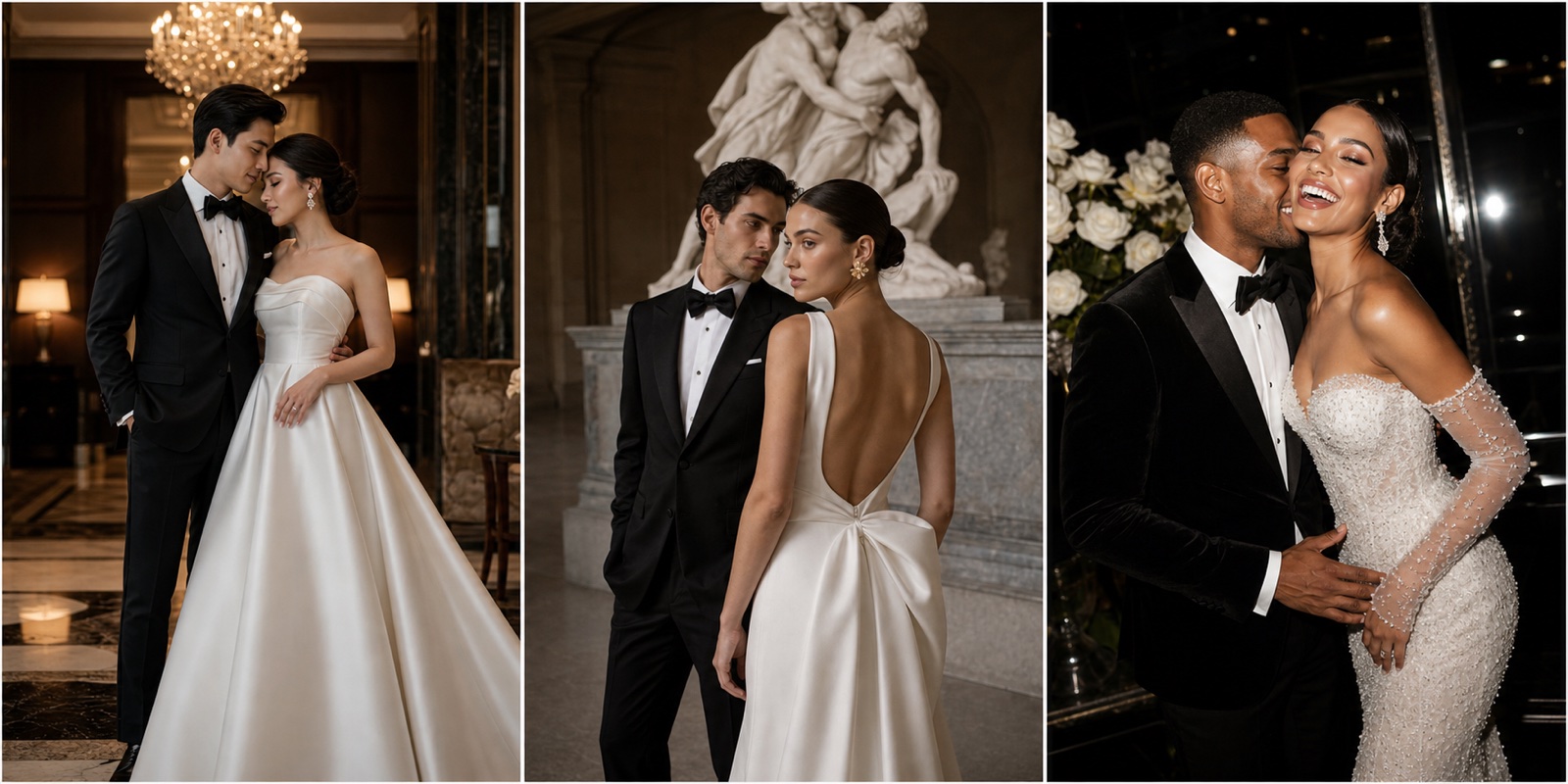
Classic announcement image
Warm, timeless, works for both printed and digital cards. Guests feel the occasion immediately.
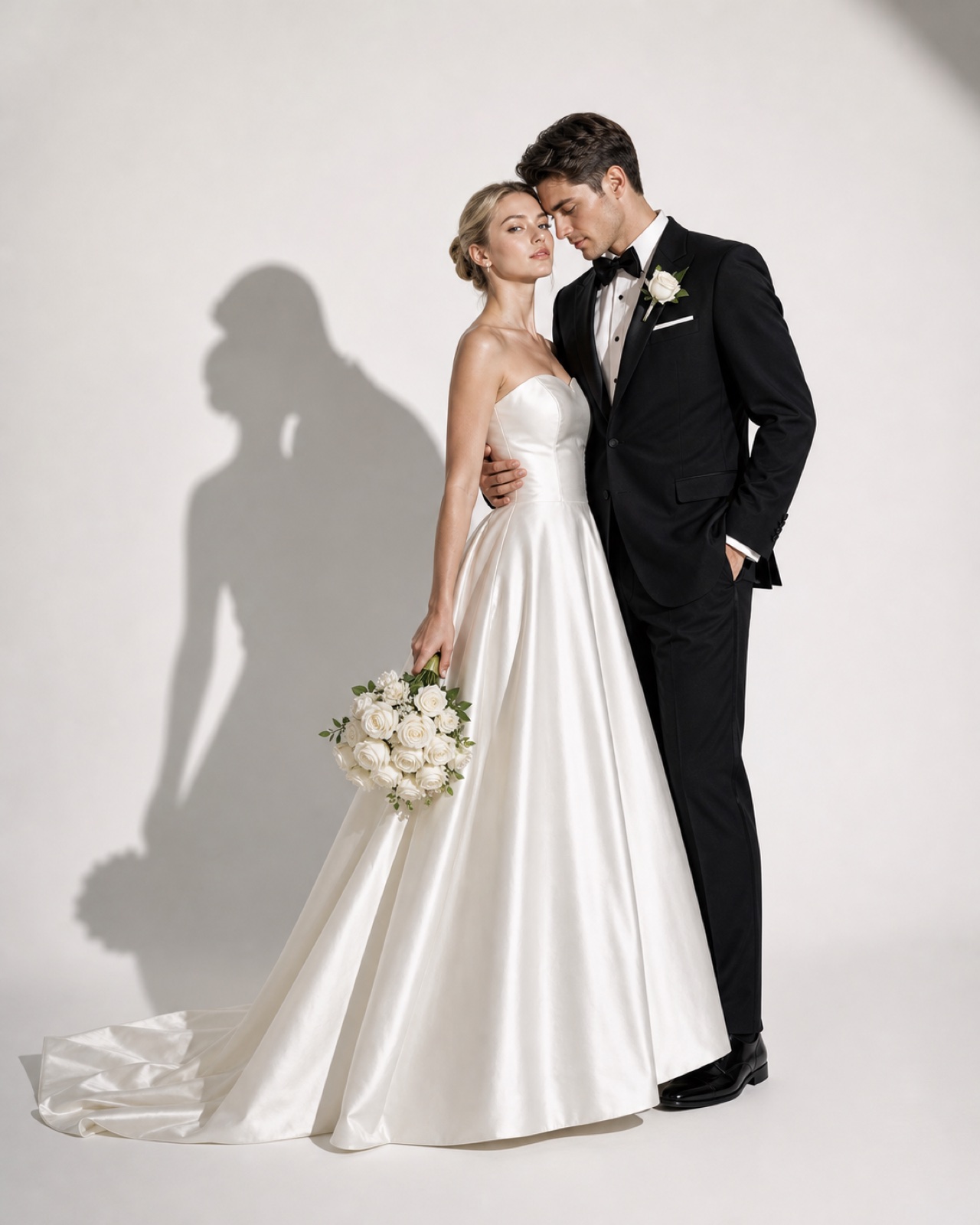
Text-friendly layout
Generous space for your names, date, and website. Clean and design-ready.
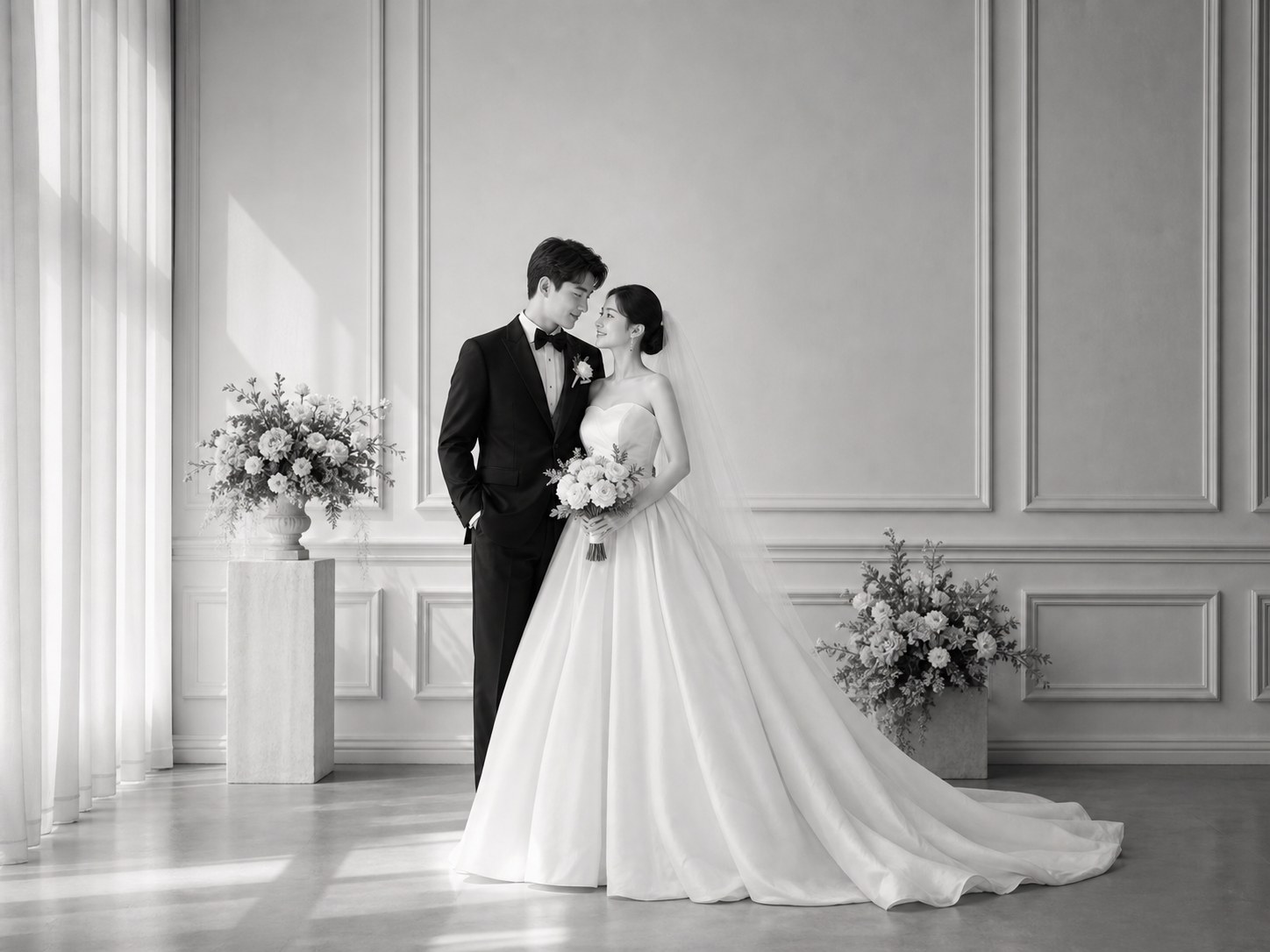
Intimate couple feel
A closer, more personal look — great for digital sends to close family and friends.
How it works
How to make your save-the-date with FondPix
Three steps from your phone photos to an announcement image that feels like you.
Upload a photo you both love
Any clear couple photo works — visible faces, natural light, a moment that feels like you. Professional photos are not required.
Choose your announcement style
Pick a setting, mood, and composition that matches how you want guests to feel when they open the card.
Receive Two Wedding Portraits to Compare
FondPix creates two high-quality watermarked previews so you can see both portraits before deciding whether to keep them. If neither portrait feels right, you can leave the project unpaid. A one-time payment keeps these same two high-quality files without watermarks; it never creates replacement images.
What makes a save-the-date image actually work
FondPix gives you the tools to check what matters — before you print a hundred cards or send a mass message.
Your faces, not a stock couple
Every FondPix save-the-date uses your uploaded photos — so guests see you, not a beautiful couple who happens to share your wedding date.
Plan space for the details
Check where your names, date, and website URL will sit before committing to a composition. Clean space makes the design work.
Compare styles side by side
Try a soft, romantic version alongside a more formal one before deciding which tone fits your wedding vision.
Test digital and print simultaneously
FondPix creates two high-quality watermarked previews. A one-time payment unlocks these same two high-quality files without watermarks for downloading, printing, framing, and sharing.
See how it reads at a glance
The best save-the-date image communicates the feeling before anyone reads a word. Check that your image does that.
Consent and comfort, always first
Only upload photos both of you are happy to use. Review the final image together before it goes anywhere.
Honest about what AI can do
A beautiful announcement image is not the same as a photograph of your real love
FondPix is for planning, previewing, and announcing — not for replacing the photographer who will capture your actual wedding day. Use it well and it makes everything else more intentional.
Your ceremony deserves real photography
The vows, the tears, the first dance — these need a real photographer. FondPix gives you the planning images, not the documentary record.
Be clear about what is generated
Do not present a generated image as a real photograph of a place or moment that did not happen. Your guests deserve honesty.
Review before every use
Check likeness, hands, clothing detail, and text space before you print or send. What looks right on screen may need adjusting at print size.
Save the Date Photo Generator — your questions answered
Everything couples ask about timing, photos, design, and using generated images for real announcements.
Do we need professional photos to use this?+
No. Any clear couple photo works — a selfie, a holiday photo, or a casual snap with visible faces and decent light. FondPix uses what you have to create something that feels professional.
How early should we send save-the-date cards?+
Generally 6-12 months before the wedding for local guests, and up to 12 months ahead for destination weddings. FondPix helps you prepare the image so you are not rushing when the time comes.
What is the difference between a save-the-date and a wedding invitation?+
A save-the-date is the early announcement — it tells guests to hold the date before all details are confirmed. It is warmer and less formal than an invitation. The image should feel exciting and personal, not official.
Can we use this image for both printed cards and digital announcements?+
FondPix creates two high-quality watermarked previews. A one-time payment unlocks these same two high-quality files without watermarks for downloading, printing, framing, and sharing.
How do we leave room for text on the image?+
Choose compositions with clear space — a soft background area, a side with less subject, or a gentle blur zone — and check in the preview that your names and date will be legible over the image.
We have not chosen our wedding style yet. Can we still use this?+
Absolutely — in fact, that is one of the best reasons to use FondPix early. Generating a few different styles might help you discover what you actually want before you have committed to anything.
What makes one save-the-date image better than another?+
The best ones feel like the couple — warm, specific, with a clear sense of who these two people are. Generic backgrounds, stiff poses, and stock-photo lighting are what to avoid. Your faces in a setting that feels honest to your relationship is what works.
Can we show this to our families before sending?+
Yes, and it is a good idea. Showing the image to close family first lets you get feedback and catch anything that feels off before it goes to the full guest list.
What resolution do printed save-the-date cards need?+
Most print services require 300 DPI at the final print size. FondPix watermark-free high-quality files are sufficient for standard card sizes (5x7 inches and similar). Always check your print service specifications before ordering.
Does the image show us in a place we have actually been?+
Not necessarily — the setting is generated to suit the style you choose. FondPix is for planning and announcement, not documentary photography. Do not describe a generated setting as a real location you visited.
Can we use this for our engagement announcement as well?+
Yes. Many couples use FondPix for both their engagement announcement and their save-the-date. Just make sure the style and feeling are consistent with how you want the visual story of your wedding to begin.
What should we check before we send the save-the-date?+
Check likeness (do you both look like yourselves?), hands and edges (common AI artifacts), text space (is there room for your names and date?), and resolution (does it look sharp at the size you need?).
What is the biggest advantage of using FondPix for our save-the-date?+
You can see what your announcement will look like before you commit — before you print, before you send, before you have even booked a photographer. That means your first impression on guests can be intentional and genuinely personal.
Send an announcement your guests will actually feel
If these wedding portraits give you even a moment of feeling, choose the price that feels right and keep them both as part of your story.
Upload your photos and create a save-the-date that carries the warmth of your relationship — personal, clear, and ready before the photoshoot is even booked.