
FondPix
Wedding Photo Album | FondPix
Plan wedding photo album images, covers, chapter pages, print checks, and AI portrait sets that fit a cohesive wedding memory book.
Wedding album visuals
Wedding Photo Album
Plan wedding photo album images, covers, chapter pages, print checks, and AI portrait sets that fit a cohesive wedding memory book.
Plan the image before the shoot
Useful for invitations, albums, and announcements
Wedding-specific styles, poses, and scenes
Private uploads, not used for training
Why FondPix
Unify the album style before choosing images to enlarge
These examples are not filler. They help you judge which direction is worth creating next: something you can share, brief, print, place in an invitation, or build into an album.
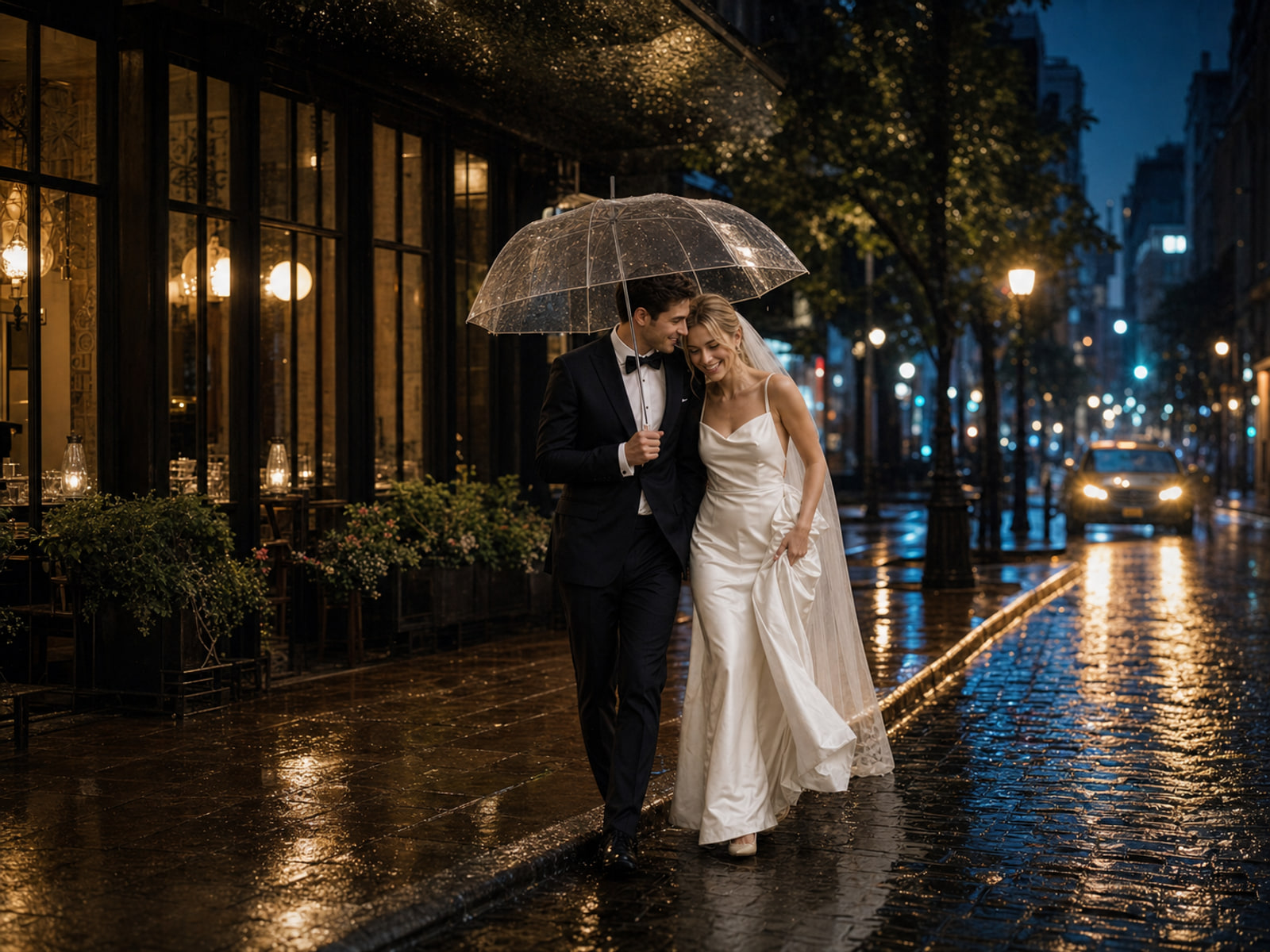
Album cover wedding portrait
A relevant cinematic wedding portrait direction for this FondPix page.
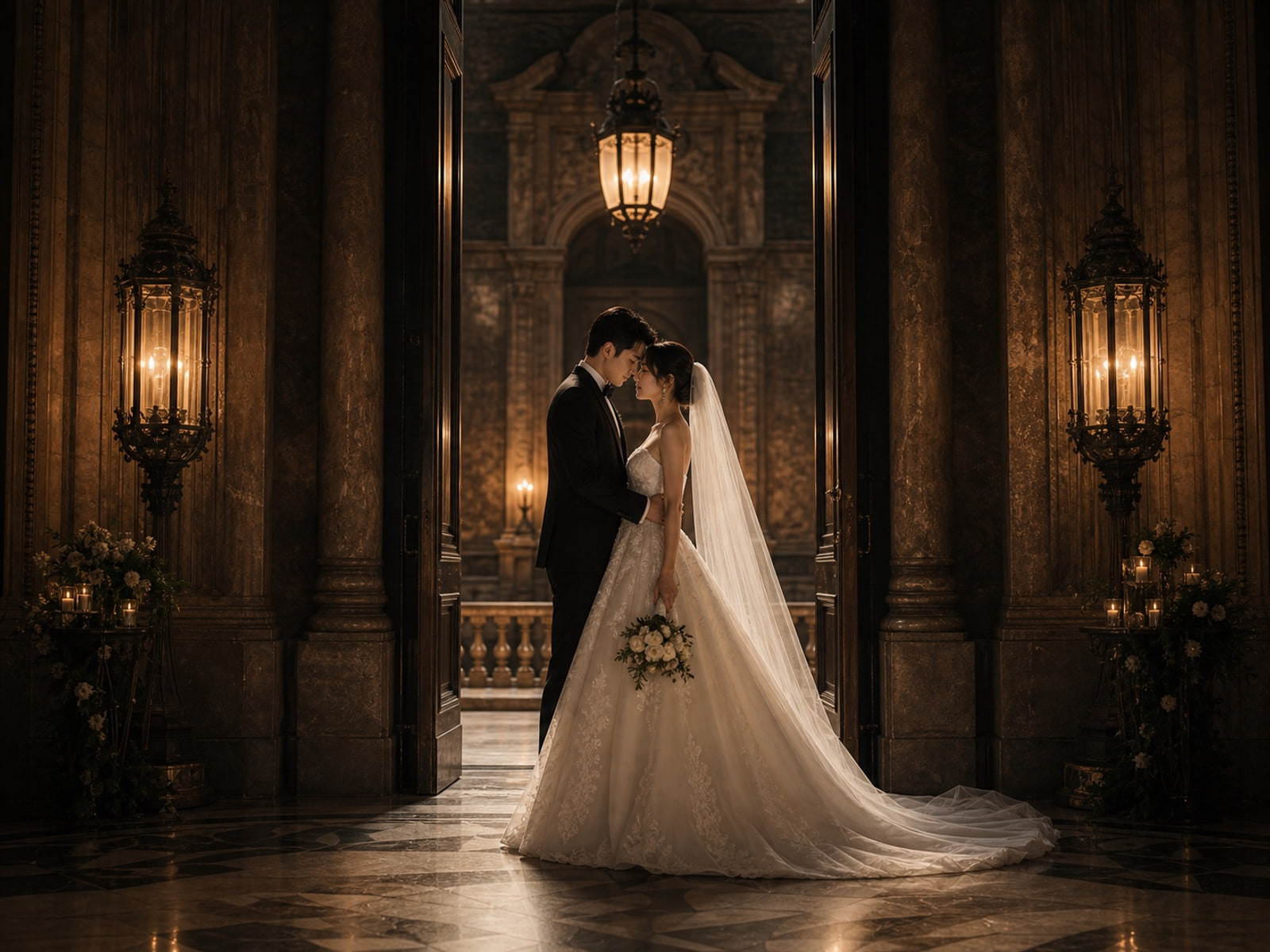
Print-ready couple image
A relevant cinematic wedding portrait direction for this FondPix page.
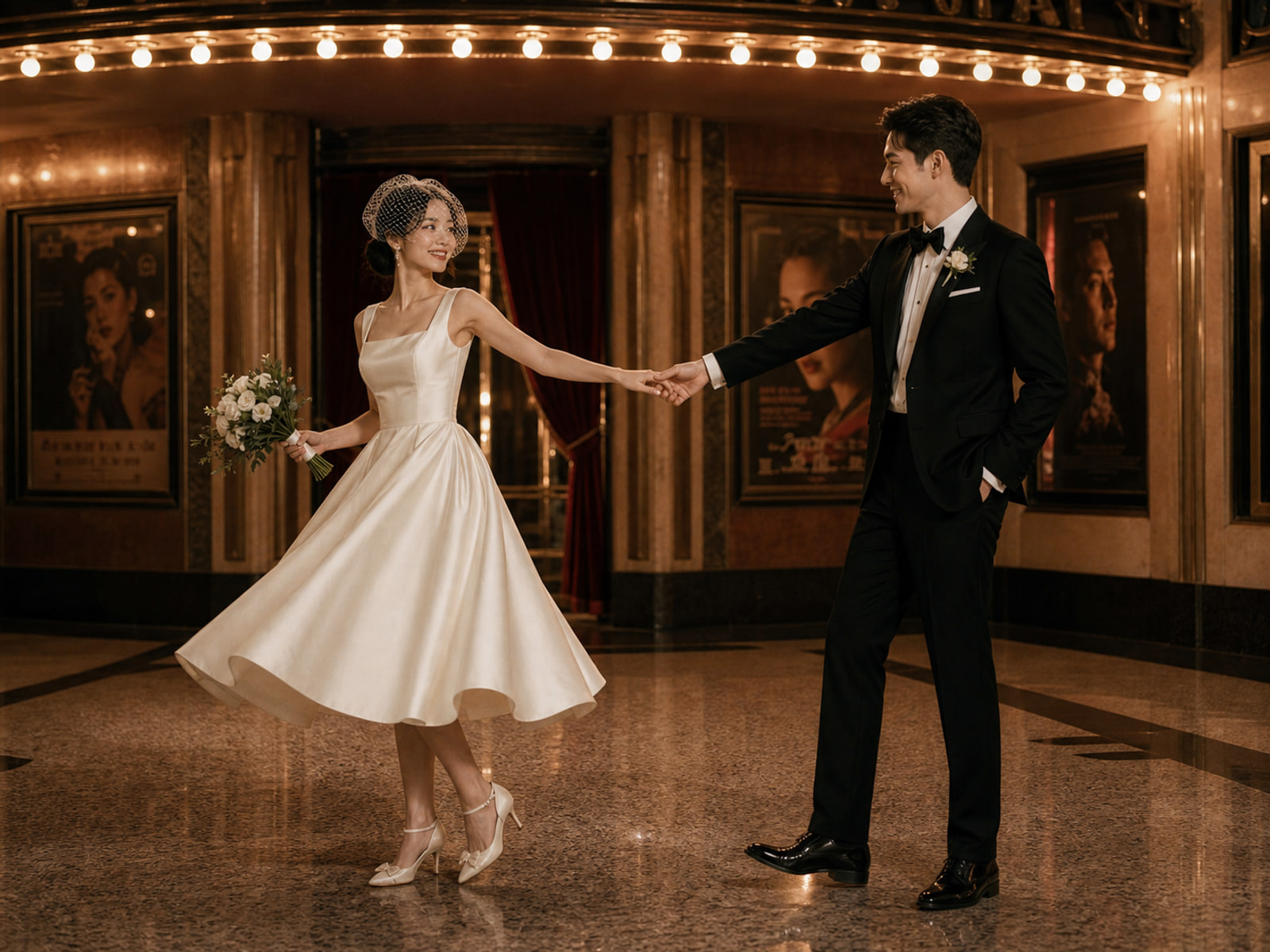
Keepsake page opener
A relevant cinematic wedding portrait direction for this FondPix page.
Wedding photo album images workflow
Unify the album style before choosing the images to enlarge
Preview covers, featured portraits, layout direction, and keepsake pages so the wedding album feels like one complete story.
Upload your photos
Choose 1 to 4 photos with both people visible. Clear faces, even light, and natural expressions make a stronger starting point.
Choose templates and tags
Pick a studio, garden, hotel, editorial, cultural, or destination direction, then refine pose, outfit, and background around album covers, selected portraits, layout planning, and keepsake pages.
Receive Two Wedding Portraits to Compare
FondPix creates two high-quality watermarked previews so you can see both portraits before deciding whether to keep them. If neither portrait feels right, you can leave the project unpaid. A one-time payment keeps these same two high-quality files without watermarks; it never creates replacement images.
FondPix advantages for wedding photo album images
FondPix is built for couples who need practical wedding visuals. When creating wedding photo album images, its value is speed, recognizable faces, purpose-led composition, and fewer costly decisions before a real shoot or print order.
Design around album pages
FondPix helps you build a more coherent wedding album story instead of starting from a blank image prompt.
Create stronger cover options
It creates cover, opener, chapter, and keepsake images that match the planned layout, so the result is not just pretty but useful for album covers, selected portraits, layout planning, and keepsake pages.
Keep the story visually consistent
You can make several wedding photo album images directions in minutes and compare them with your own faces before choosing one.
Add destination chapter images
Because the tool is built around wedding use cases, the output can be framed for cards, albums, announcements, or photographer briefs.
Plan print checks earlier
Each generation gives you a practical visual option before you pay for travel, wardrobe, printing, or extra shoot time.
Support real wedding memories
Use FondPix to prepare polished planned portraits while keeping live ceremony and family moments for the real wedding day.
Wedding Photo Album FAQ
Common questions about using FondPix to create wedding photo album images for album covers, selected portraits, layout planning, and keepsake pages.
Why use FondPix for wedding photo album images?+
FondPix is useful because it helps you build a more coherent wedding album story. Instead of guessing from text alone, you can see realistic options with your own faces and decide what belongs in album covers, selected portraits, layout planning, and keepsake pages.
Do I need professional photos to start?+
No. Clear everyday photos are enough for a first result. The best references show faces, hair, skin tone, and natural expression clearly; multiple angles help FondPix keep the couple recognizable.
Can I use the images for invitations, albums, or announcements?+
Yes. FondPix is designed around wedding outputs, so you can generate portraits for album covers, selected portraits, layout planning, and keepsake pages, then choose compositions that have enough detail and space for the final format.
How fast can I compare different styles?+
You can compare several visual directions without booking multiple shoots. Try formal studio, Korean soft light, destination, cultural, cinematic, black-and-white, or luxury directions and keep the one that feels most like you.
Can FondPix replace a real photographer?+
FondPix is best for planned portraits, previews, invitations, albums, and style decisions. A real photographer is still valuable for the ceremony, family groups, guest reactions, and moments that only happen once; FondPix helps you prepare the visuals around those moments.
What makes FondPix different from a general image generator?+
FondPix is focused on wedding and couple use cases. It guides you through photo purpose, style, pose, outfit, and scene so the final wedding photo album images is easier to use in real planning rather than being a random beautiful image.
Create wedding photo album images with FondPix
If these wedding portraits give you even a moment of feeling, choose the price that feels right and keep them both as part of your story.
Upload reference photos, choose the purpose and style, then generate a finished visual you can evaluate before using it for album covers, selected portraits, layout planning, and keepsake pages.