
How to Create a Consistent AI Wedding Photo Set?How to Create a Consistent AI Wedding Photo Set?
A consistent wedding photo set — where invitations, the website, save-the-dates, and thank-you cards all feel like they belong together — does not happen by accident. FondPix AI portrait generator creates consistency by using the same source couple photo across multiple style directions, so both people look recognizably themselves across every piece. Choose one primary style and one complementary style, generate from the same source, and your visual set holds together naturally.A consistent wedding photo set — where invitations, the website, save-the-dates, and thank-you cards all feel like they belong together — does not happen by accident. FondPix AI portrait generator creates consistency by using the same source couple photo across multiple style directions, so both people look recognizably themselves across every piece. Choose one primary style and one complementary style, generate from the same source, and your visual set holds together naturally.
emotion first
couple likeness
wedding use
How to Create a Consistent AI Wedding Photo Set?
Follow the consistency checklist below — covering style, lighting, outfit, and scene — to produce a set that reads as a coordinated collection.
Best for couples who want more than a pretty sample
- Couples who are creating multiple wedding stationery pieces and want them to look like a deliberate visual identity rather than a collection of mismatched images.
- Partners who are building a wedding website and want the hero image, social posts, and printed pieces to feel visually unified.
- Anyone planning a wedding with distinct phases — engagement, pre-wedding, day-of, post-wedding — who wants a consistent portrait presence throughout.
What to check before choosing
- Emotional goal
- create a unified visual identity for your wedding stationery and online presence using consistent AI portraits across every touchpoint
- Where to use it
- album keepsake, classic studio, and clean minimal for wedding planning, design, or keepsake decisions.
- Check closely
- Review likeness, closeness, hands, wardrobe, crop, text space, and whether the image feels tender.
- Real boundary
- Use AI for previews and design; keep vows, family groups, hugs, and guest reactions as real photography.
How to Create a Consistent AI Wedding Photo Set?+
A consistent wedding photo set — where invitations, the website, save-the-dates, and thank-you cards all feel like they belong together — does not happen by accident. FondPix AI portrait generator creates consistency by using the same source couple photo across multiple style directions, so both people look recognizably themselves across every piece. Choose one primary style and one complementary style, generate from the same source, and your visual set holds together naturally.
Which version should we try first?+
Start with album keepsake, then compare it with classic studio and clean minimal. The first round should reveal feeling, not create too many similar images.
How do we know it fits us?+
Look beyond polish. Check whether both people still look like themselves, whether the expression feels relaxed, and whether the image supports the real wedding use.
Try these moods first
Warmer directions for How to Create a Consistent AI Wedding Photo Set?
These directions are chosen to help you build a coherent keepsake set that still feels emotional years later. Compare how each one changes closeness, formality, layout space, and the way family or guests may receive the image.
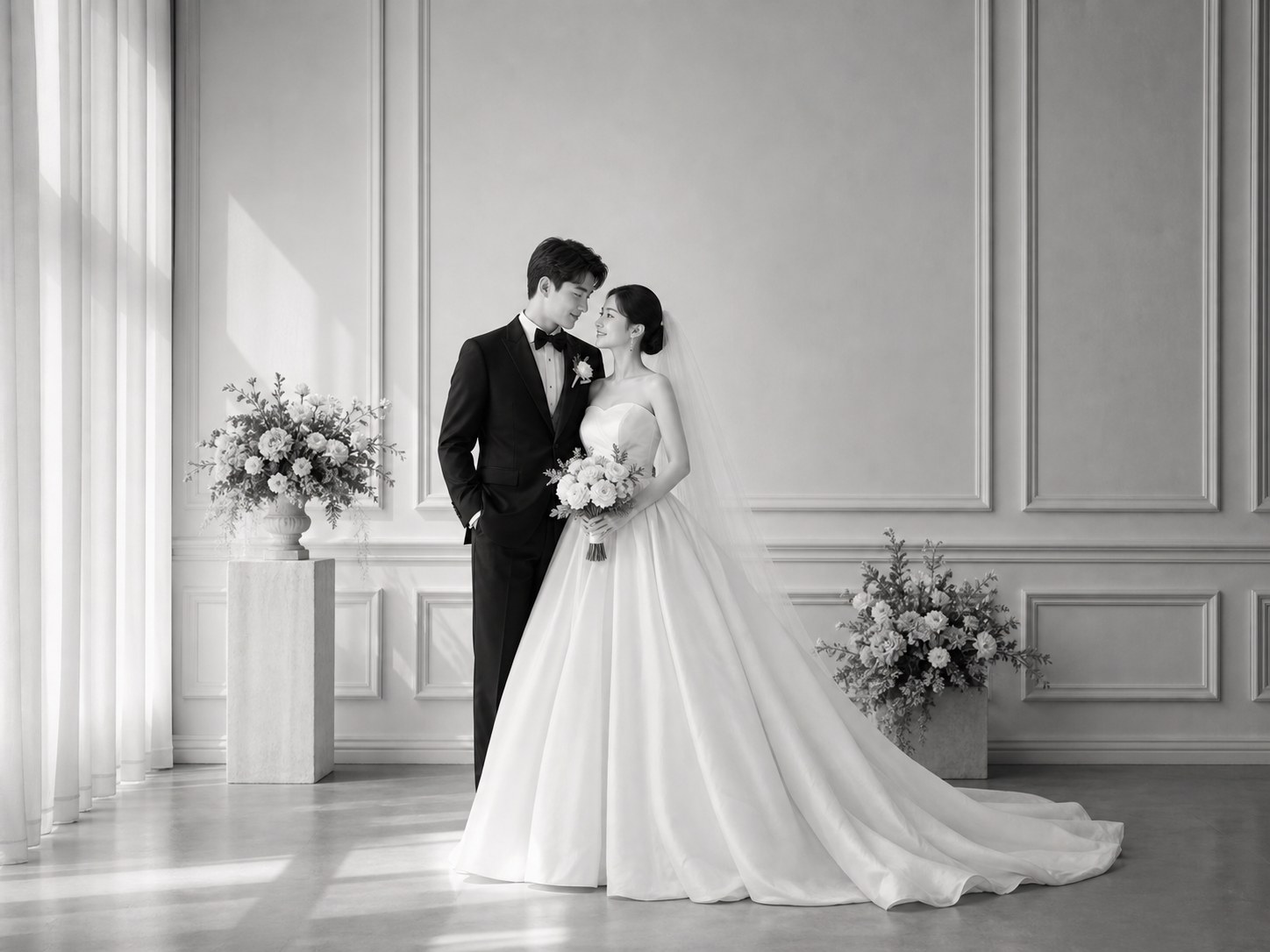
album keepsake
Start with this as the emotional anchor — then build the rest of the set around its warmth and tone.
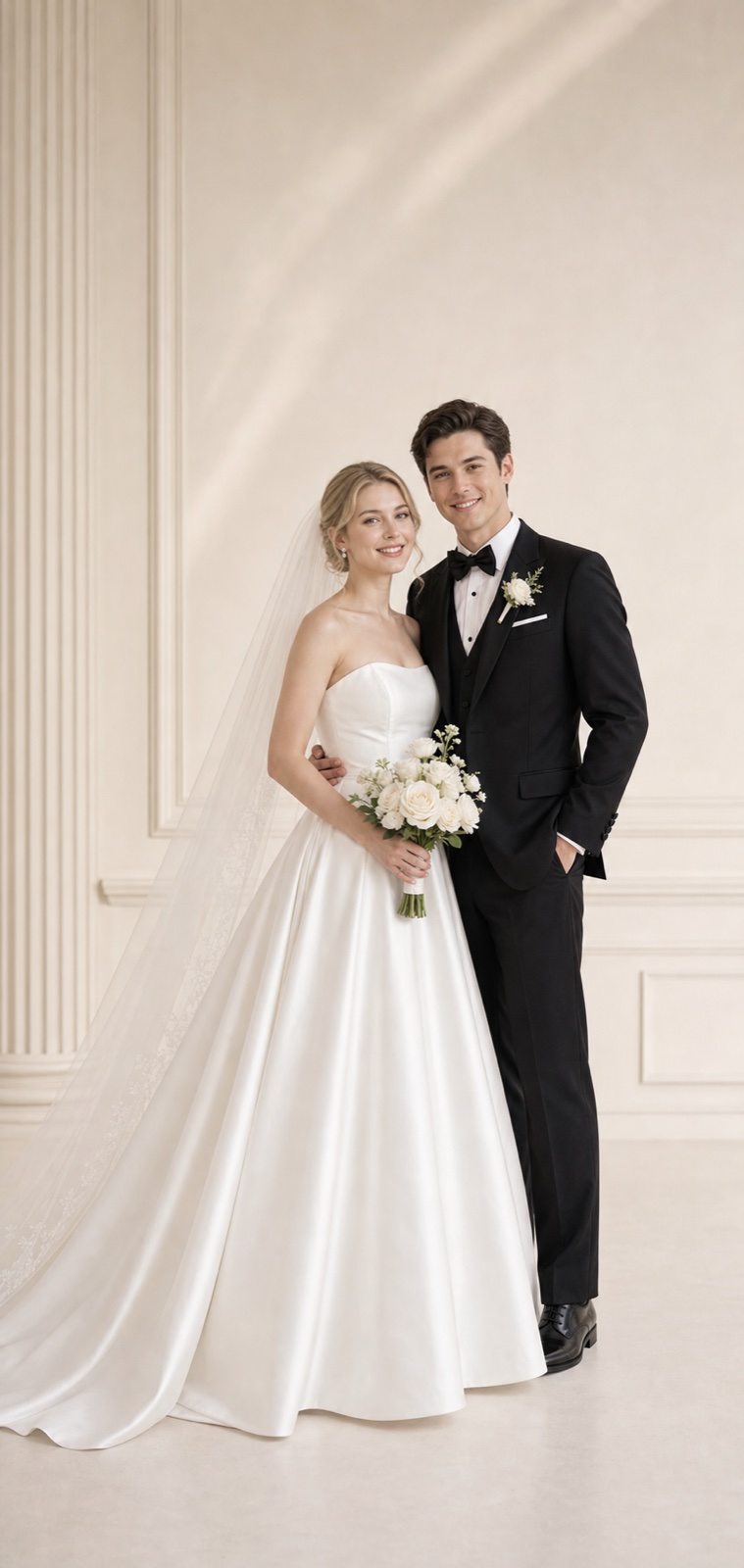
classic studio
Compare the studio direction — it gives the set a formal spine that ties varied settings together.
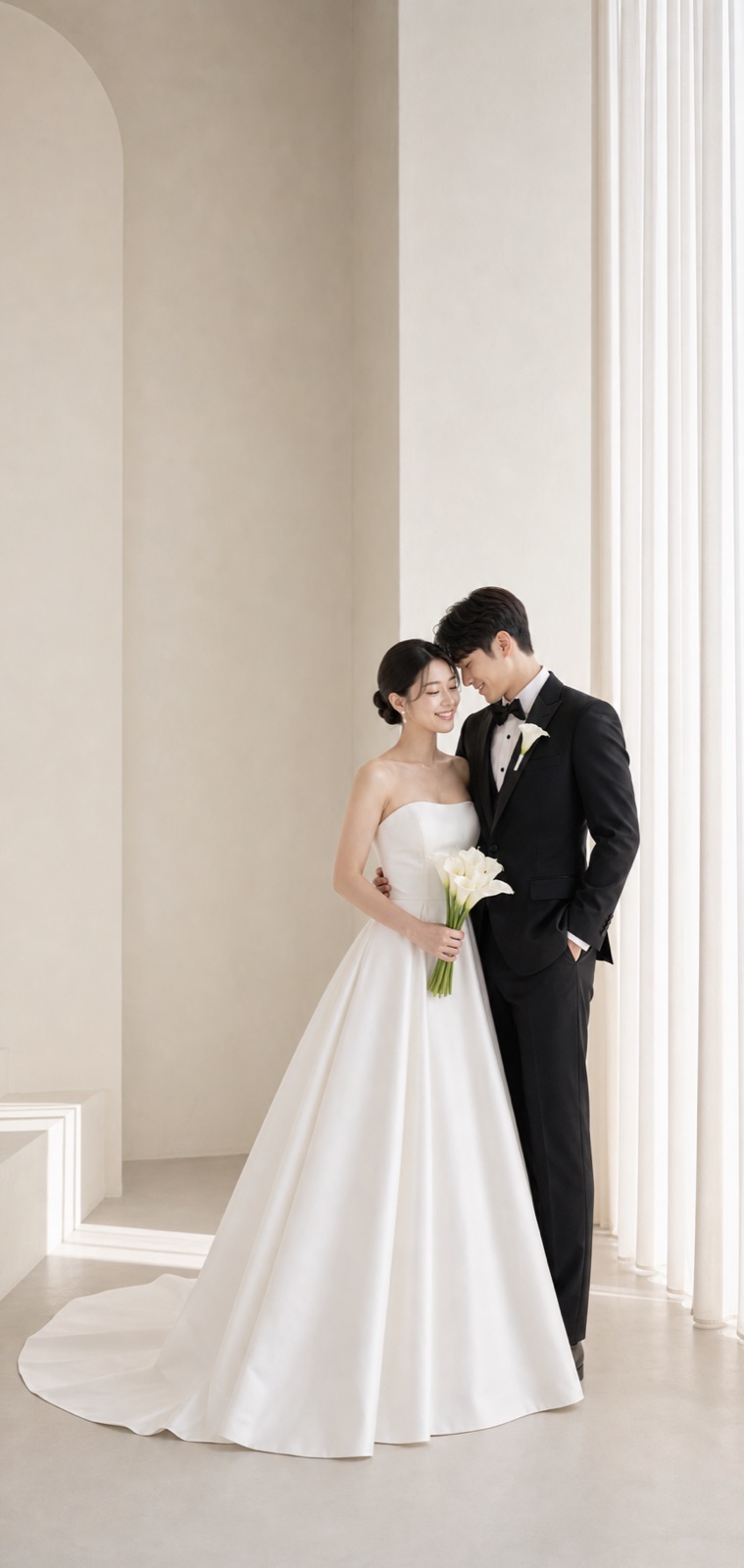
clean minimal
Add the minimal version as a breathing point — every consistent set needs at least one quieter image.
Try these moods first
How FondPix helps with How to Create a Consistent AI Wedding Photo Set?
Move from emotion to decision: upload photos you both like, test a few clear directions, then keep the one that supports the next wedding step.
Start with photos you both approve
Use clear, natural couple photos where both faces, posture, and expression feel like you.
Name the wedding feeling
Compare album keepsake, classic studio, and clean minimal by warmth, formality, family fit, and design space.
Receive Two Wedding Portraits to Compare
FondPix creates two high-quality watermarked previews so you can see both portraits before deciding whether to keep them. If neither portrait feels right, you can leave the project unpaid. A one-time payment keeps these same two high-quality files without watermarks; it never creates replacement images.
Where this can improve the wedding experience
FondPix is most valuable before a decision becomes expensive, public, or hard to change.
album keepsake
album keepsake helps you judge the image from a different angle: warmth, likeness, family fit, and real wedding use.
classic studio
classic studio helps you judge the image from a different angle: warmth, likeness, family fit, and real wedding use.
clean minimal
clean minimal helps you judge the image from a different angle: warmth, likeness, family fit, and real wedding use.
Couple decision guide
Keep the real memories real
Use FondPix for planning, previews, invitations, album ideas, and briefs. Use real photography for vows, family groups, guest reactions, and one-time ceremony moments.
How do we know it fits us?
Look beyond polish. Check whether both people still look like themselves, whether the expression feels relaxed, and whether the image supports the real wedding use.
See both portraits, then choose what they are worth to you
FondPix creates two high-quality watermarked previews so you can see both portraits before deciding whether to keep them. If neither portrait feels right, you can leave the project unpaid. A one-time payment keeps these same two high-quality files without watermarks; it never creates replacement images.
Can FondPix replace real wedding photography?
No. Use FondPix for planning, invitations, albums, moodboards, and briefs. Keep vows, family moments, guest reactions, and ceremony memories as real photography.
How to Create a Consistent AI Wedding Photo Set? FAQ
Short answers for couples who care about emotion, trust, image quality, and real wedding boundaries.
How do I create visual consistency across multiple AI portraits?+
Use the same source couple photo for all generations, choose two complementary styles rather than five different ones, and keep the color mood consistent — warm tones across the set or cool tones across the set, not a mix. FondPix AI portrait generator produces outputs that hold together naturally when the source material is consistent.
What if we want different styles for different pieces?+
That is fine as long as there is a visual logic to the differences. Formal portrait for the invitation, romantic garden for the website, editorial for social media — these feel intentionally different. What breaks consistency is switching between very different color temperatures or completely unrelated visual moods.
How many different images do we need for a complete wedding visual set?+
Most couples need three to five distinct images for a complete set: one primary portrait for invitations and main website use, one warmer or looser image for social media and announcements, and one or two specific-use images for save-the-dates or thank-you cards. FondPix lets you generate all of these in a single session.
Can FondPix replace real wedding photography?+
No. Use FondPix for planning, invitations, albums, moodboards, and briefs. Keep vows, family moments, guest reactions, and ceremony memories as real photography.
Create a wedding image that feels like you
If these wedding portraits give you even a moment of feeling, choose the price that feels right and keep them both as part of your story.
Upload clear couple photos and compare album keepsake, classic studio, and clean minimal before you use the image for the wedding.