
FondPix
AI Wedding Photo Editor | FondPix
Use AI wedding photo editing ideas to refine portrait style, background mood, invitation framing, album consistency, and print-ready wedding visuals.
Wedding photo editing tool
AI Wedding Photo Editor
Use AI wedding photo editing ideas to refine portrait style, background mood, invitation framing, album consistency, and print-ready wedding visuals.
Plan the image before the shoot
Useful for invitations, albums, and announcements
Wedding-specific styles, poses, and scenes
Private uploads, not used for training
Why FondPix
See useful AI wedding photo edits examples before you create
These examples are not filler. They help you judge which direction is worth creating next: something you can share, brief, print, place in an invitation, or build into an album.
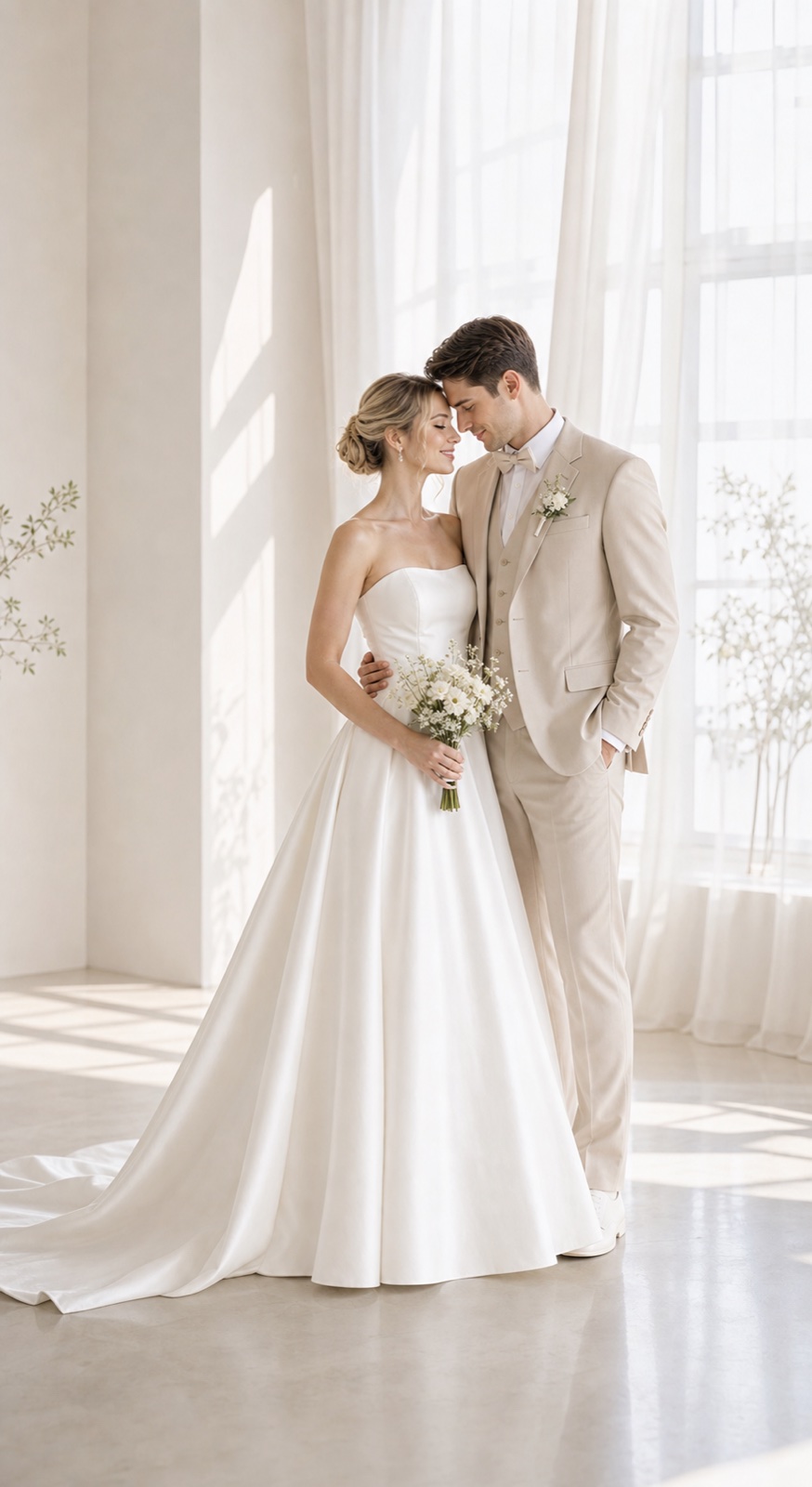
AI Wedding Photo Editor planning preview
Use this couple image direction to compare whether aI Wedding Photo Editor fits your timeline, print needs, and visual style before generating final images.
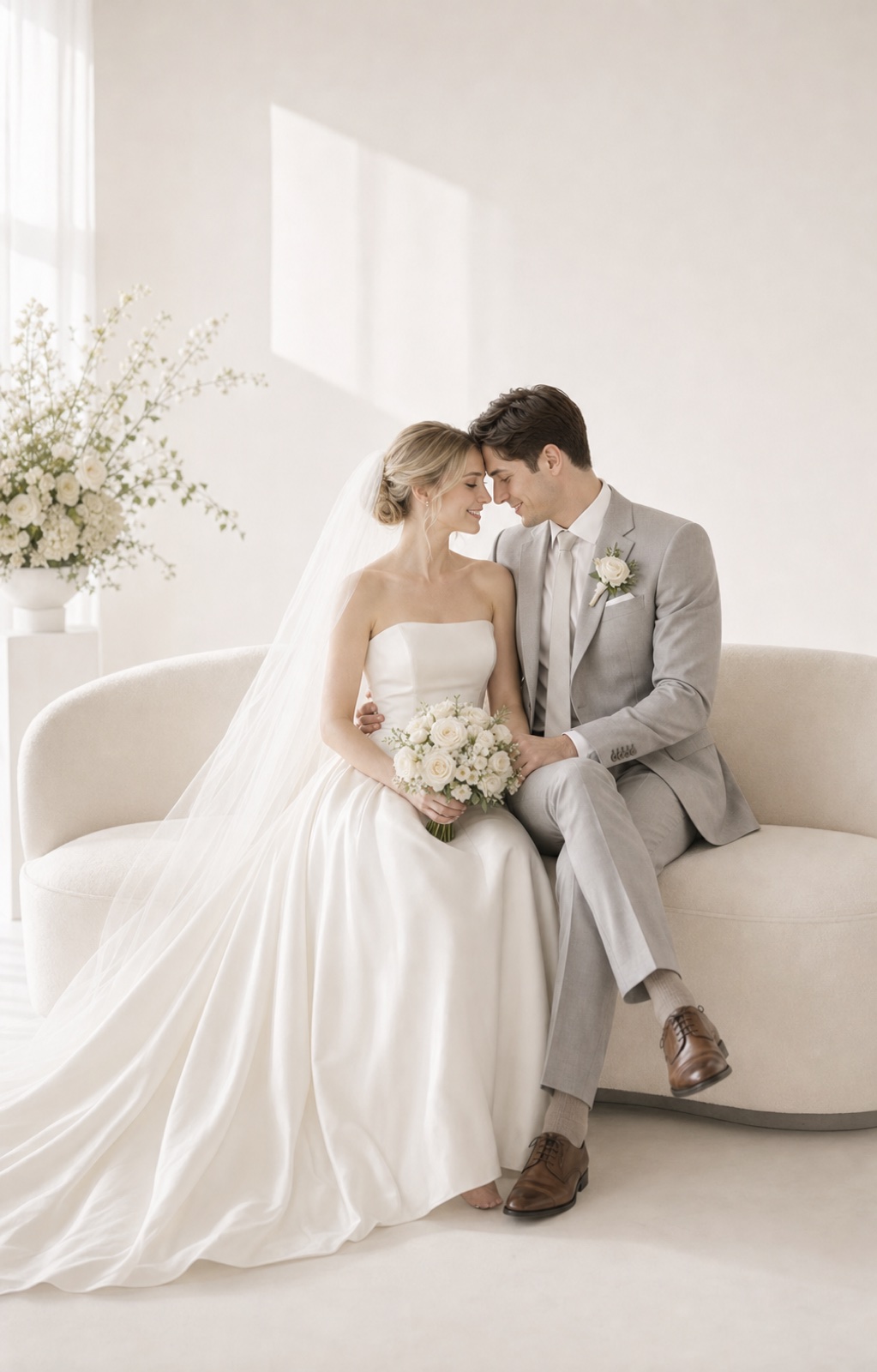
AI Wedding Photo Editor invitation-ready visual
A practical direction for couples who need a clear wedding visual for invitations, save-the-dates, announcements, or a wedding website.
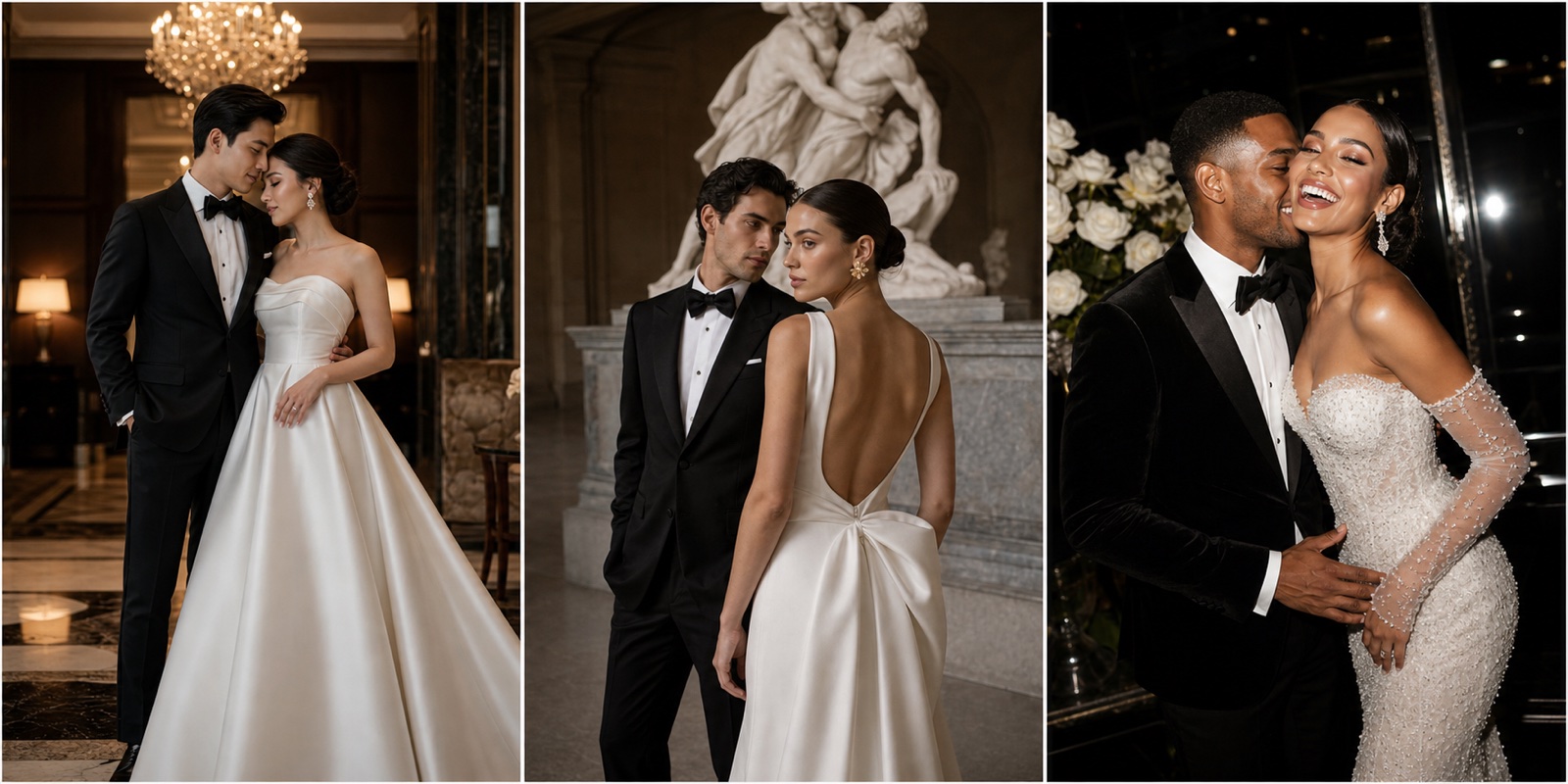
AI Wedding Photo Editor album or website option
A polished option to judge facial likeness, outfit fit, background mood, and whether the image belongs in an album or website hero.
AI wedding photo edits workflow
Turn existing photos into wedding-ready visual directions
Preview background, light, outfit, invitation composition, and album consistency instead of treating editing as simple retouching.
Upload your photos
Choose 1 to 4 photos with both people visible. Clear faces, even light, and natural expressions make a stronger starting point.
Choose templates and tags
Pick a studio, garden, hotel, editorial, cultural, or destination direction, then refine pose, outfit, and background around portrait refinement, background direction, invitation framing, and album consistency.
Receive Two Wedding Portraits to Compare
FondPix creates two high-quality watermarked previews so you can see both portraits before deciding whether to keep them. If neither portrait feels right, you can leave the project unpaid. A one-time payment keeps these same two high-quality files without watermarks; it never creates replacement images.
FondPix advantages for AI wedding photo editing
FondPix is built for couples who need practical wedding visuals. When creating AI wedding photo editing, its value is speed, recognizable faces, purpose-led composition, and fewer costly decisions before a real shoot or print order.
Refine purpose, not just filters
FondPix helps you turn wedding photo ideas into cleaner finished directions instead of starting from a blank image prompt.
Improve invitation composition
It helps refine background, crop, purpose, and album consistency without complex editing language, so the result is not just pretty but useful for portrait refinement, background direction, invitation framing, and album consistency.
Create cleaner album direction
You can make several AI wedding photo editing directions in minutes and compare them with your own faces before choosing one.
Explore background alternatives
Because the tool is built around wedding use cases, the output can be framed for cards, albums, announcements, or photographer briefs.
Keep edits wedding-specific
Each generation gives you a practical visual option before you pay for travel, wardrobe, printing, or extra shoot time.
Move faster than manual retouch notes
Use FondPix to prepare polished planned portraits while keeping live ceremony and family moments for the real wedding day.
AI Wedding Photo Editor FAQ
Common questions about using FondPix to create AI wedding photo editing for portrait refinement, background direction, invitation framing, and album consistency.
Why use FondPix for AI wedding photo editing?+
FondPix is useful because it helps you turn wedding photo ideas into cleaner finished directions. Instead of guessing from text alone, you can see realistic options with your own faces and decide what belongs in portrait refinement, background direction, invitation framing, and album consistency.
Do I need professional photos to start?+
No. Clear everyday photos are enough for a first result. The best references show faces, hair, skin tone, and natural expression clearly; multiple angles help FondPix keep the couple recognizable.
Can I use the images for invitations, albums, or announcements?+
Yes. FondPix is designed around wedding outputs, so you can generate portraits for portrait refinement, background direction, invitation framing, and album consistency, then choose compositions that have enough detail and space for the final format.
How fast can I compare different styles?+
You can compare several visual directions without booking multiple shoots. Try formal studio, Korean soft light, destination, cultural, cinematic, black-and-white, or luxury directions and keep the one that feels most like you.
Can FondPix replace a real photographer?+
FondPix is best for planned portraits, previews, invitations, albums, and style decisions. A real photographer is still valuable for the ceremony, family groups, guest reactions, and moments that only happen once; FondPix helps you prepare the visuals around those moments.
What makes FondPix different from a general image generator?+
FondPix is focused on wedding and couple use cases. It guides you through photo purpose, style, pose, outfit, and scene so the final AI wedding photo editing is easier to use in real planning rather than being a random beautiful image.
Create AI wedding photo editing with FondPix
If these wedding portraits give you even a moment of feeling, choose the price that feels right and keep them both as part of your story.
Upload reference photos, choose the purpose and style, then generate a finished visual you can evaluate before using it for portrait refinement, background direction, invitation framing, and album consistency.