
FondPix AI Groom Portrait GeneratorFondPix AI Groom Portrait Generator: see yourself in your wedding look before the day arrives
See yourself in your wedding look before the day arrives. FondPix creates groom portraits that show you confident, composed, and ready for the most important day of your life.Most grooms never see themselves in their full wedding look until the morning it is happening. FondPix changes that. Upload your photo, choose your suit or tuxedo direction, and see yourself as a groom before the day even begins — so you walk in ready, not surprised.
wedding looks
downloads
first
What does seeing your groom portrait before the wedding actually change?
Most grooms spend months focused on every detail for their partner while barely thinking about how they themselves will look. FondPix uses your own photo to create portraits with your face in the suit, tuxedo, or dress style you choose — so you can compare cuts, tie details, and overall presence before any final decisions are made. It turns quiet uncertainty into quiet confidence.
Who usually loves this
- Grooms who want to compare suit and tuxedo options — classic black, navy, grey, or linen — on their own face before committing to any rental or purchase.
- Men who want their groom portrait to feel intentional and personal rather than an afterthought, so the image becomes a real part of their wedding story.
- Couples who want matching portrait directions for both partners, so their invitations, websites, and albums feel visually balanced and emotionally complete.
What FondPix helps you create
- Photo types
- Solo groom portraits, suit and tuxedo comparisons, getting-ready previews, announcement and invitation images
- Most popular with
- Grooms who want their wedding look to feel deliberate, not decided at the last moment
- Why grooms love it
- It shows how posture, suit cut, tie, and setting combine — so the portrait reflects actual readiness, not just a guess
- Core FondPix features
- FondPix creates two high-quality watermarked previews. A one-time payment unlocks these same two high-quality files without watermarks for downloading, printing, framing, and sharing.
What can FondPix create for my groom portrait?+
FondPix creates portraits with your actual face in your chosen wedding look — suit, tuxedo, tie, pocket square, and setting — so you can see how you will appear on the day before the day actually arrives.
Is this only useful for comparing suits, or can I use it for other things?+
Many grooms use their FondPix portrait for announcement images, engagement posts, wedding website photos, and album contributions — because a portrait that features your real face carries a personal quality that stock photography cannot offer.
What is the real value of seeing your groom portrait before the wedding?+
The value is simple: confidence. Knowing how you will look — the suit on your shoulders, the setting around you, the expression on your face — means you arrive on the day feeling prepared rather than uncertain about the image you are projecting.
Three groom directions
Three ways to see yourself in your wedding look before the day is here
Compare a classic formal portrait, a modern editorial direction, and a relaxed ceremony-day look — each with your face at the center.
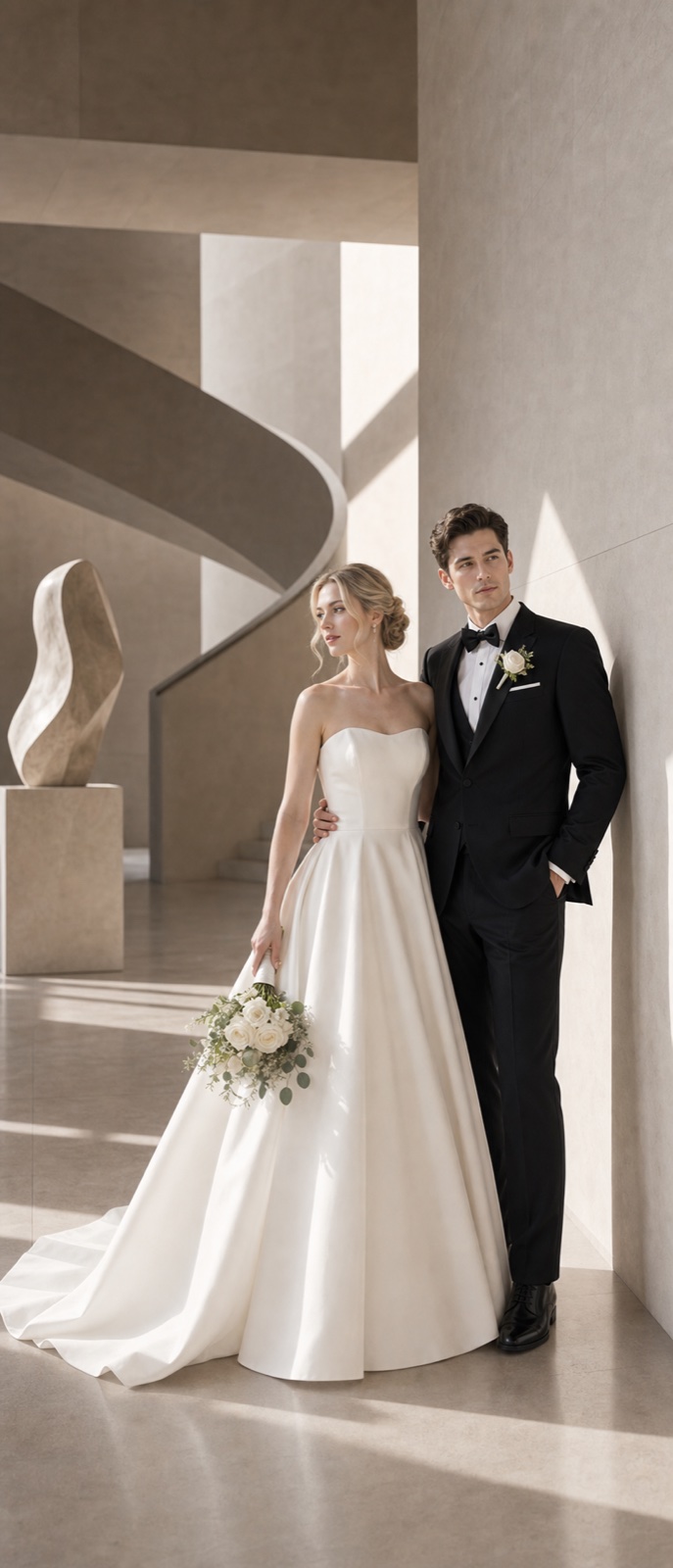
The classic formal portrait
Composed, proud, and ready — the image that belongs in every wedding album
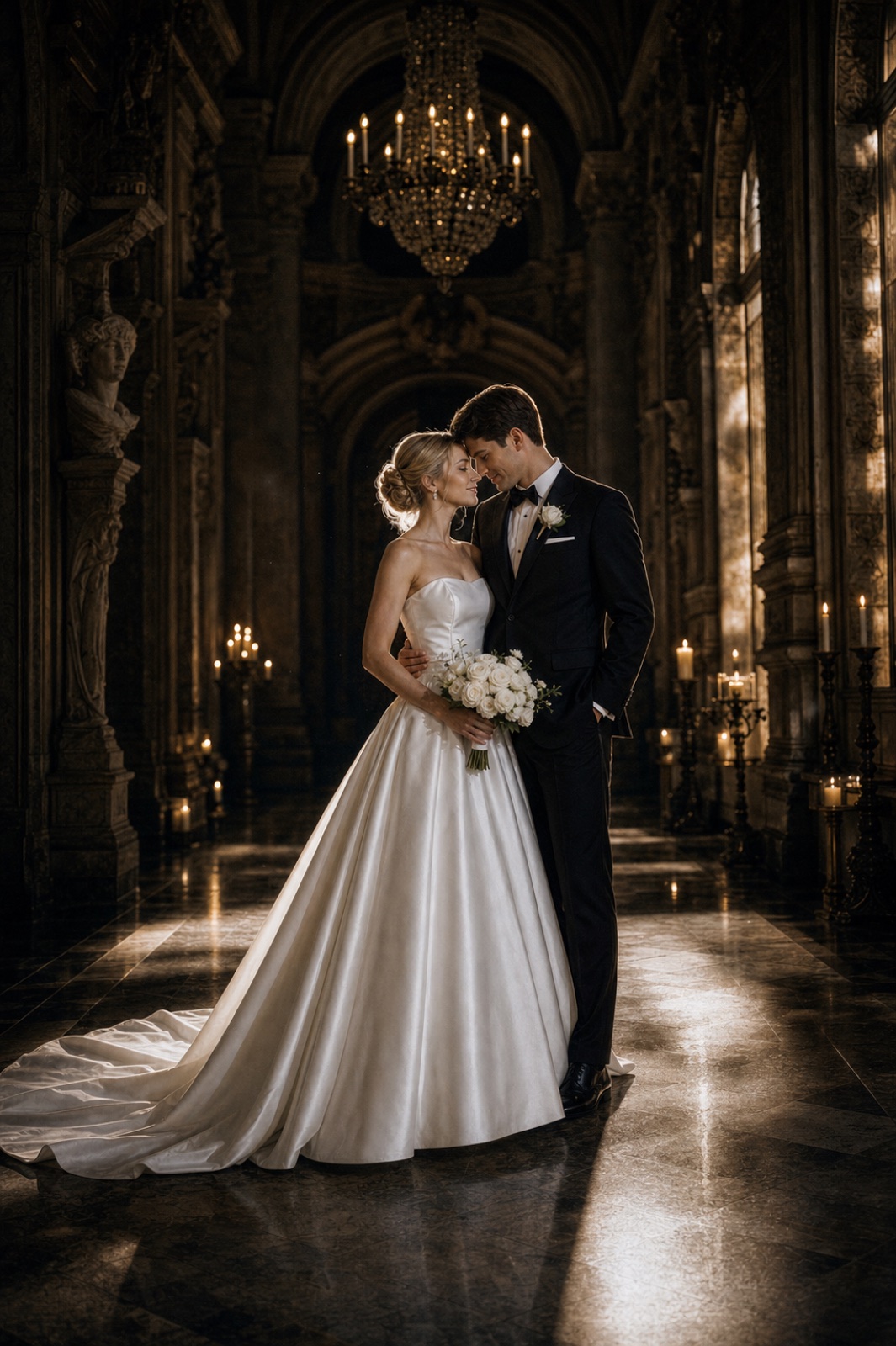
The modern editorial
Sharp, deliberate, a little dramatic — for the groom who wants the image to speak
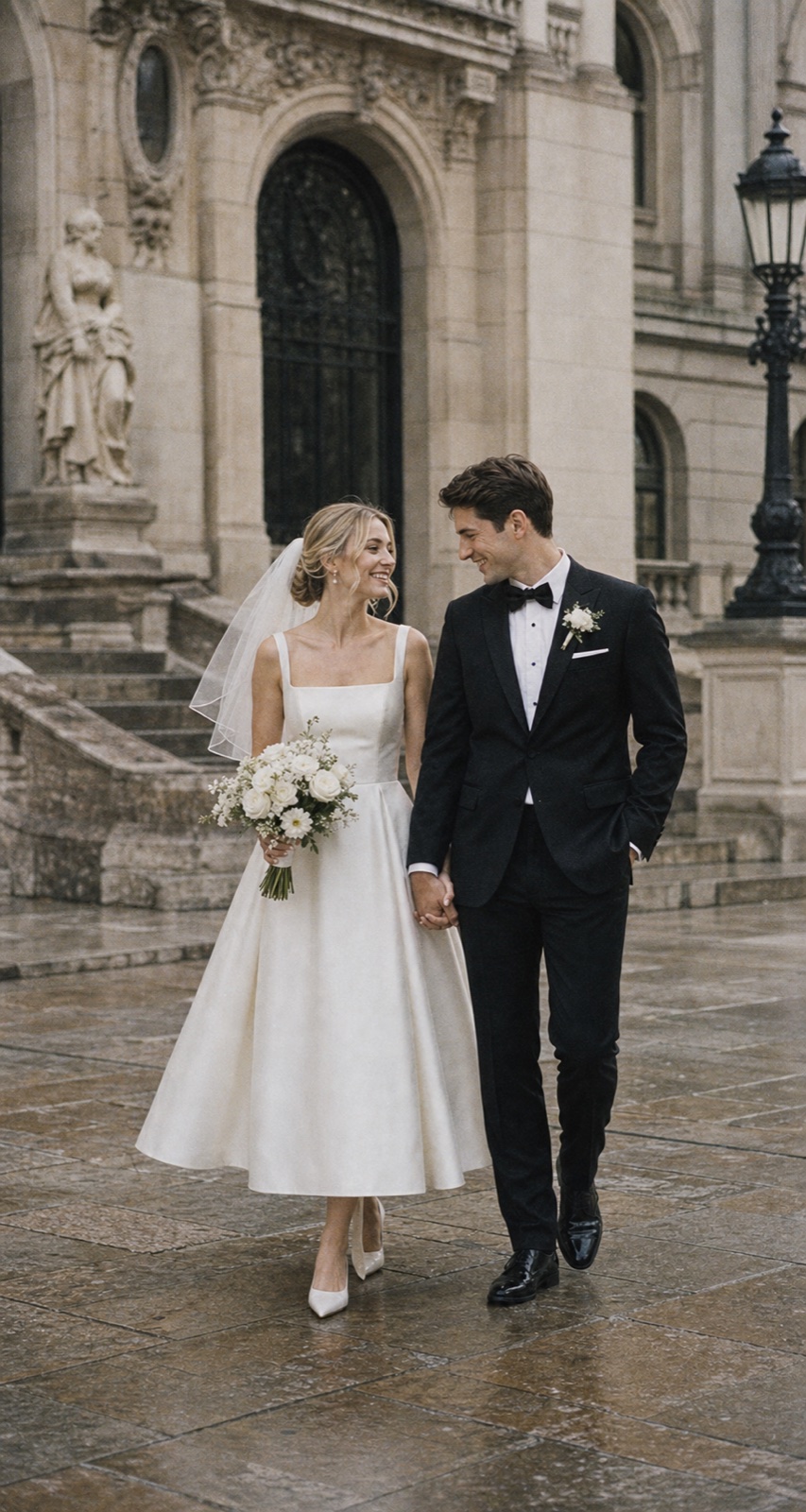
The warm ceremony look
Relaxed, genuine, quietly joyful — for the man who is fully present in the moment
How it works
How to create your groom portrait with FondPix
Three steps take you from a simple photo of yourself to a groom portrait that already carries the quiet confidence of your wedding day.
Upload a clear photo of yourself
Use a well-lit photo where your face is clearly visible and your posture feels natural — the closer the photo is to your real everyday presence, the more honest the portrait.
Choose your wedding look direction
Select your suit or tuxedo style, ceremony setting, tie or bow tie detail, and the overall mood — from classic black tie to relaxed linen — and let FondPix build the portrait around you.
Receive Two Wedding Portraits to Compare
FondPix creates two high-quality watermarked previews so you can see both portraits before deciding whether to keep them. If neither portrait feels right, you can leave the project unpaid. A one-time payment keeps these same two high-quality files without watermarks; it never creates replacement images.
What makes a groom portrait feel genuinely confident and personal
FondPix gives you the tools to create a portrait that shows you at your most composed — with your face, your presence, and your chosen look at the center of every image.
Your face in every portrait
FondPix places your actual face in the wedding look you choose, so the portrait feels like a real preview of the man who will be standing at the altar — not a catalogue image.
Space for invitation design
Generate versions with clear blank space around the portrait so names, dates, or venue details can be added for wedding invitations or announcement posts without crowding your image.
Suit and style comparisons
Compare classic black, deep navy, grey, or ivory — with different tie and pocket square details — so you can walk into any menswear consultation already knowing what direction feels most like you.
FondPix creates two high-quality watermarked previews. A one-time payment unlocks these same two high-quality files without watermarks for downloading, printing, framing, and sharing.
FondPix creates two high-quality watermarked previews. A one-time payment unlocks these same two high-quality files without watermarks for downloading, printing, framing, and sharing.
Presence over perfection
The best groom portrait is the one where you look like yourself on the best day of your life. FondPix helps you find that version before the morning arrives and leaves no time for second-guessing.
Your photo, your control
Your uploaded photo is used only to generate your portrait — never shared, never stored beyond what you have agreed to, and never used for any purpose you did not explicitly choose.
Honest about what AI can do
A portrait preview is powerful — but the day itself is irreplaceable
FondPix helps you prepare for the day with confidence. The real ceremony moments — the vows, the first look, the handshakes and embraces — still belong to real photography and real memory.
Live wedding moments need a real photographer
The first look when you see your partner walking toward you, the ceremony embrace, the joy of your guests — those moments need to be captured in person, by someone who is actually there.
Generated portraits are previews, not records
A FondPix groom portrait is a useful and beautiful planning tool — not documentation of something that happened. Use it for preparation and sharing, and be clear about what it is.
Review before publishing
Check that your likeness feels right, that the suit details look natural, and that the overall image reflects the version of yourself you actually want people to see before your wedding day.
Groom portrait generator — your questions answered
Everything grooms ask about seeing themselves in their wedding look and creating a portrait that carries real confidence before the day arrives.
Can FondPix actually show me what I will look like in my suit on the wedding day?+
Yes. FondPix places your actual face into the suit or tuxedo style you choose, set in the ceremony environment you select — so the result feels like a real preview of yourself, not a generic menswear catalogue shot.
What photo should I upload to get the best groom portrait?+
Use a well-lit, clear photo where your face is fully visible and your expression is natural and relaxed. A simple everyday photo with good light often produces the most honest and useful result.
Can I compare different suits or tuxedos before I decide?+
Absolutely. Many grooms use FondPix to compare classic black, deep navy, grey tweed, and ivory linen — with different tie and lapel details — so they walk into any menswear appointment already knowing what direction feels right.
Can I use my groom portrait for wedding invitations?+
Yes. Generate a version with clean blank space for text and it works well for formal invitations, save-the-dates, and announcement posts. Download in high-quality for the cleanest quality when printing.
Can I use this alongside my partner's bridal portrait for a matched set?+
Many couples do exactly this. Creating both a bridal and groom portrait with FondPix gives you a visually matched pair that works beautifully across invitations, websites, and album design.
Can I share my groom portrait with my best man or groomsmen?+
Yes. Sharing FondPix portraits with your best man or wedding party is a practical way to align on the look — especially when everyone needs to coordinate suits, ties, and overall visual tone before orders are placed.
Will the portrait look like me, or will it look like a generic AI groom?+
FondPix is built to centre your face in every result. The goal is a portrait of you — your jaw, your expression, your presence — placed in your wedding look, not a substitute face in a suit that happens to be yours.
How long does it take to see my groom portrait?+
Most groom portraits are ready within minutes. Upload your photo, choose a direction, and you can be reviewing and downloading the same session — no booking required, no waiting for a photographer's schedule.
Can I use this to help pick a hairstyle or beard style for the wedding?+
It is a useful reference point. Many grooms share their FondPix portraits with their barber or stylist to communicate the level of grooming and the overall look they want for the wedding morning.
Is a groom portrait only useful before the wedding, or can I use it after?+
Primarily before — for planning, suit decisions, and invitation imagery. However, some grooms use FondPix after the wedding to create additional portrait directions they wish they had captured, or to produce keepsakes for family.
What if I want a portrait that shows both me and my partner together?+
FondPix also offers a couple wedding portrait tool that places both of you together in the same image. It is a natural next step once you have each seen your individual portraits and know the direction you want.
Can I use the portrait on my wedding website?+
Yes. A high-quality groom portrait from FondPix works well on wedding websites, especially on pages where you want a personal and composed image of yourself that feels like more than a casual snapshot.
Is my photo kept private when I upload it?+
Yes. FondPix is built on a consent-first approach. Your photo is used only to generate your groom portrait — it is never shared, sold, or stored beyond what you have explicitly agreed to when using the service.
See yourself in your wedding look before the day is here
If these wedding portraits give you even a moment of feeling, choose the price that feels right and keep them both as part of your story.
Upload your photo and let FondPix show you the groom portrait that carries the quiet confidence of the most important day you will ever have. See it before the morning arrives — and walk in ready.