
FondPix AI Digital Wedding Invitation MakerFondPix AI Digital Wedding Invitation Maker: an invitation your guests will want to save, not just open once
Create a digital wedding invitation guests will screenshot and save — personal, beautiful, and built from your real couple photos with FondPix.Most digital wedding invitations get opened once and forgotten. Yours should be the one guests screenshot, return to, and show to people who were not even invited. FondPix uses your real photos to create digital invitation visuals that feel personal, warm, and beautiful enough to save — because the people you are inviting deserve more than a template.
wedding looks
downloads
first
A digital invitation that feels like it came from you, not from a template site
Digital invitations are the most intimate first contact your guests have with your wedding. FondPix creates invitation visuals from your own couple photos — with space for names, dates, and event details — so what lands in their inbox feels personal, warm, and completely specific to your relationship. That is the kind of invitation people remember.
Who usually loves this
- Couples sending their invitations via email, messaging apps, or a wedding platform and wanting the visual to feel as personal as a printed card.
- Partners who want to preview how the invitation image will look before committing to a digital stationery design or sharing it with hundreds of people.
- Couples who care about the first impression their invitation makes and want the image to be warm, personal, and beautiful enough to be worth saving.
What FondPix helps you create
- Photo types
- Portrait invitation covers, landscape invitation headers, full-bleed couple images with clean text space for event details
- Most popular with
- Couples sending digital invitations three to six months before the wedding
- Why couples like it
- It makes the digital invitation feel as personal and beautiful as a printed one — without printing costs
- Core FondPix features
- FondPix creates two high-quality watermarked previews. A one-time payment unlocks these same two high-quality files without watermarks for downloading, printing, framing, and sharing.
What can FondPix help us create for a digital wedding invitation?+
FondPix creates portrait invitation covers, landscape invitation headers, and full-bleed couple images — all with clean space for names, dates, venue, and RSVP details — so the digital invitation has a visual that feels personal and beautiful, not like a generic template.
Who finds this most useful?+
Couples sending digital invitations via email, WhatsApp, a wedding website, or a platform like Zola or Joy. They want the invitation image to feel as warm and personal as a printed card — and FondPix makes that possible without a photoshoot.
What is the real value of using FondPix here?+
The real value is that your invitation does not look like every other digital invitation your guests have received. It looks like you. FondPix gives the image the warmth and personalization that makes guests feel genuinely invited — not mass-messaged.
Invitation visual directions
Three directions for your digital invitation — intimate, elegant, and text-ready
Compare a warm couple portrait direction, an elegant wide invitation header, and a text-ready layout with clean space for event details before choosing the one guests will screenshot.
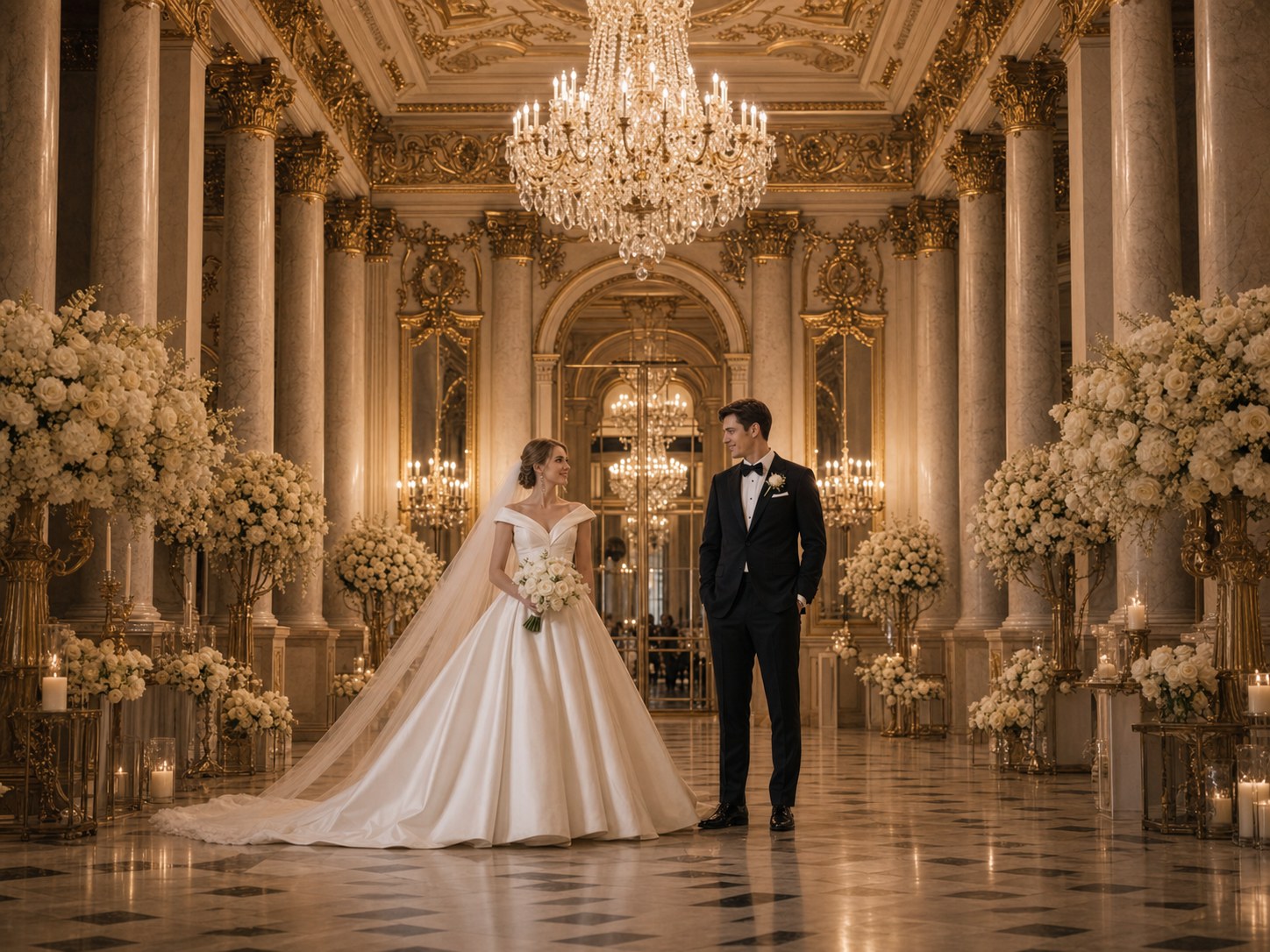
Warm portrait cover
A close, intimate couple portrait that makes guests feel the warmth of your relationship the moment they open the invitation.
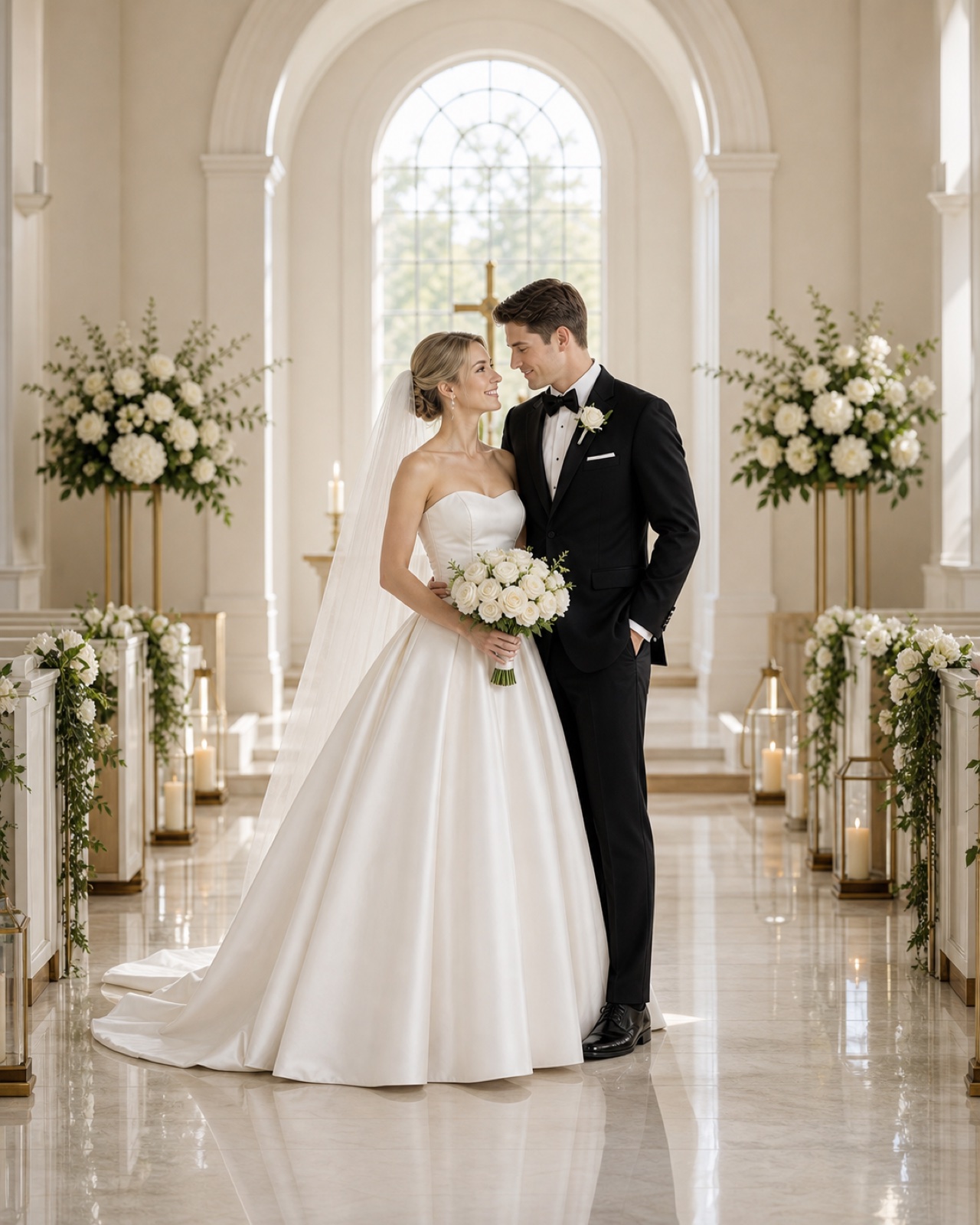
Elegant invitation header
A wider, atmospheric image that works as the full header of a digital invitation — beautiful, spacious, and easy to pair with text.
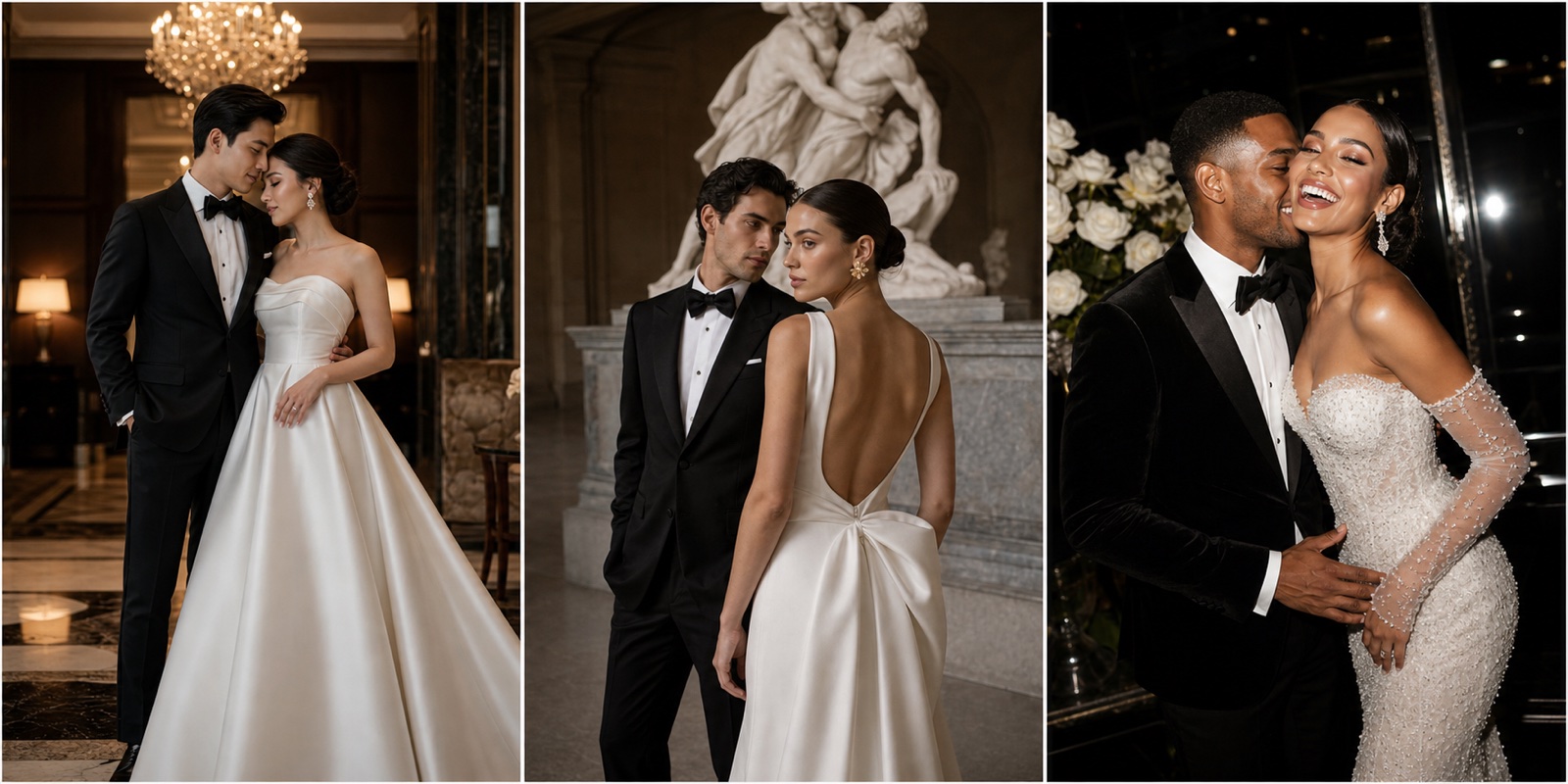
Detail-ready invitation layout
A composition with generous clean space for date, venue, RSVP details, and a personal welcome message — without covering the couple.
How it works
How to create your digital wedding invitation image with FondPix
From your real couple photos to a beautiful, screenshot-worthy digital invitation image in three steps.
Upload your couple photos
Choose photos where both faces are clearly visible and the light is warm and natural — this gives FondPix the best foundation for a likeness that feels genuinely like the two of you.
Choose the invitation mood and layout type
Decide whether you want a close portrait cover, a wide header image, or a detail-ready layout — and let the actual invitation format guide the composition, text space, and overall mood.
Receive Two Wedding Portraits to Compare
FondPix creates two high-quality watermarked previews so you can see both portraits before deciding whether to keep them. If neither portrait feels right, you can leave the project unpaid. A one-time payment keeps these same two high-quality files without watermarks; it never creates replacement images.
What makes a digital wedding invitation image worth saving
FondPix gives you the tools to create an invitation image that guests will screenshot, return to, and remember long before they RSVP.
Your faces in every invitation
FondPix builds the invitation image from your own photos, so the couple guests see when they open the invite is unmistakably the two of you — personal, warm, and real.
Space for every detail
FondPix generates invitation images with intentional clean space so your names, wedding date, venue, RSVP link, and dress code can be added without covering your faces.
A visual mood that matches your wedding
Choose a setting and atmosphere that evokes the feeling of your celebration — a candlelit ballroom, a garden ceremony, an oceanside gathering — and compare a few directions before choosing.
FondPix creates two high-quality watermarked previews. A one-time payment unlocks these same two high-quality files without watermarks for downloading, printing, framing, and sharing.
FondPix creates two high-quality watermarked previews. A one-time payment unlocks these same two high-quality files without watermarks for downloading, printing, framing, and sharing.
An invitation guests will actually save
The best digital invitation image is one that guests screenshot because they want to return to it — FondPix helps you make an image that earns that reaction.
Privacy and consent always first
Only upload photos both of you are comfortable using publicly, and review the invitation image together before it goes out to your guest list.
Honest about what AI can do
FondPix creates the visual — your invitation still needs real event details
FondPix creates the beautiful couple image that makes your digital invitation feel personal. The invitation itself — with your names, date, venue, and RSVP details — still needs to be designed and sent through your chosen platform.
The image is not the full invitation
FondPix creates the visual cover or header image for your digital invitation. You will still need to pair it with your event details through a wedding platform, email template, or digital stationery service.
Do not imply the setting is a real photo
FondPix-generated images can look very real. If the setting in the invitation image is not your actual venue, be prepared to explain that this is an AI-created visual if guests ask.
Review before sending to your full guest list
Check that both people look clearly like themselves, that the text space works with your actual event details, and that the mood matches your wedding before you send the invitation to everyone.
Digital wedding invitation maker — your questions answered
Everything couples ask about creating digital wedding invitation images with FondPix, from layout choices to platform compatibility and text space.
Can FondPix create the full digital invitation including text?+
FondPix creates the couple image that forms the visual heart of your digital invitation — the portrait cover or header image. For the full invitation with event details, you pair the FondPix image with a wedding platform, email template, or digital stationery service that adds names, dates, and RSVP information.
What platforms work well with FondPix invitation images?+
FondPix images work well with any platform that accepts image uploads — Zola, Joy, Withjoy, Papier, Canva, and custom email templates. Download the high-quality version for the best quality across all of them.
How do we make sure there is enough space for the event details?+
When generating in FondPix, choose a composition direction that has clear negative space — sky, soft background, or a clean lower third — where date, venue, and RSVP details can be added without covering faces. Generate and compare a few versions before deciding.
What aspect ratio works best for a digital invitation image?+
Portrait (3:4 or 2:3) works best for most digital invitations sent via messaging apps and email, as guests view them on mobile phones. Landscape (16:9 or 4:3) works better for wedding website invitation pages where the image fills a wider area.
Can we send the FondPix image directly via WhatsApp or iMessage?+
Yes. Download the high-quality version for messaging app sharing — it is high quality without being so large that it sends slowly or fails on some devices.
What if we want a really elegant, formal invitation image?+
Choose a setting that evokes the formality of your wedding — a grand interior, classical architecture, soft candlelight — and generate a portrait composition. A narrower crop with rich tones and a clear couple portrait will look formal and beautiful.
Can we test multiple invitation visual directions before choosing one?+
Yes, and FondPix is built for exactly this. Generate a few directions — one close and warm, one wide and atmospheric, one with more text space — compare them at actual size, and choose the one that feels right before sending to anyone.
Do we need an engagement photo to create a great invitation image?+
No. FondPix works from any clear couple photo where both faces are visible and well-lit. Many couples use a favorite casual photo as the starting point and are surprised by how polished and personal the invitation image turns out.
What makes a digital invitation image actually screenshot-worthy?+
An invitation image earns a screenshot when it feels personal (the faces are clearly the actual couple), emotionally warm (the mood matches the relationship), and beautiful enough to share. FondPix helps you hit all three by starting from your real photos.
How do we know if the invitation image will look good on mobile screens?+
Download the high-quality version and view it on your own phone at full screen before sending. Check that both faces are clearly visible in the portrait crop, that any text space is where the design needs it, and that the colors look warm and rich on your screen.
Can we use the same FondPix image for both the digital invitation and the wedding website?+
Yes. Download the high-quality version and use it across both — the wedding website hero image and the digital invitation often use the same couple portrait, just cropped or formatted differently for each context.
What resolution does a digital invitation image need to look sharp?+
FondPix creates two high-quality watermarked previews. A one-time payment unlocks these same two high-quality files without watermarks for downloading, printing, framing, and sharing.
What is the most important thing to check before sending the invitation?+
Check that both people look clearly like themselves, that the text space aligns with where the invitation design adds event details, that the mood feels right for the wedding you are hosting, and that the image looks beautiful on mobile before it goes out to your full guest list.
Create an invitation guests will save long before they RSVP
If these wedding portraits give you even a moment of feeling, choose the price that feels right and keep them both as part of your story.
Upload your couple photos and let FondPix make a digital invitation image that feels personal enough to screenshot, warm enough to return to, and beautiful enough to be worth the anticipation.